
In the hyper-competitive landscape of 2026, managing customer relationships is no longer a manual task but a sophisticated digital strategy. Customer Relationship Management (CRM) software serves as the central nervous system for modern businesses, integrating sales, marketing, and service into a unified data ecosystem. As artificial intelligence and predictive analytics become standard, the best CRM software options today do more than store contacts; they predict buyer behavior, automate complex workflows, and provide real-time insights that drive revenue.
According to recent industry data, businesses implementing advanced CRM tools see an average increase in sales productivity by 34% and an improvement in customer retention rates by 27%. Whether you are searching for a CRM for small business to kickstart growth or an enterprise solution to manage global operations, selecting the right platform is critical. This guide explores the top 15 CRM platforms in 2026, comparing their features, strengths, and limitations to help you make an informed decision.
Top 15 Best CRM Software in 2026
1. Salesforce Sales Cloud
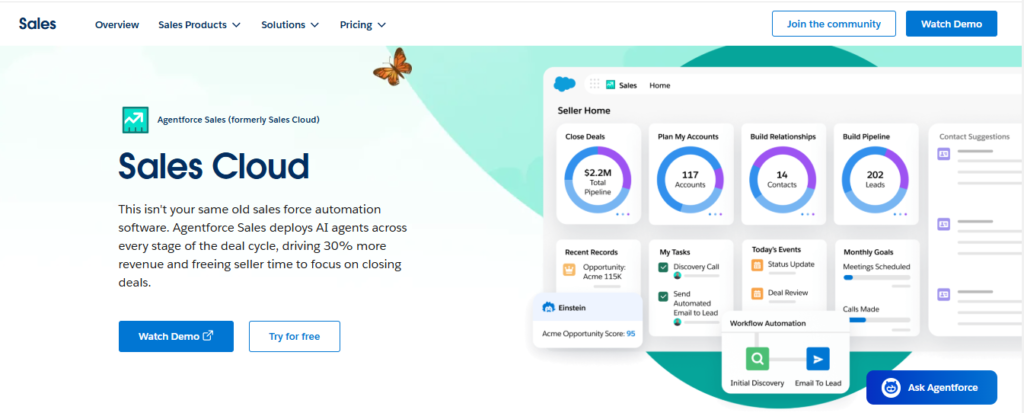
Salesforce remains the global leader in the CRM market, offering an unparalleled suite of tools for enterprises. In 2026, its focus has shifted heavily toward “Autonomous Agents” through the Einstein 1 Platform. It provides a deep level of customization, allowing businesses to build complex workflows and integrate with thousands of third-party apps via the AppExchange. It is best suited for large organizations that require deep data analytics and extensive scalability.
Key Features:
- Einstein GPT for automated email generation and deal summaries.
- Advanced forecasting with real-time pipeline inspection.
- Omnichannel customer engagement across social, web, and phone.
Pros:
- Extremely scalable for global enterprises.
- Most extensive integration ecosystem in the world.
- Powerful AI-driven predictive insights.
Cons:
- High total cost of ownership including implementation.
- Steep learning curve for non-technical users.
- Can feel bloated for small teams.
2. HubSpot CRM
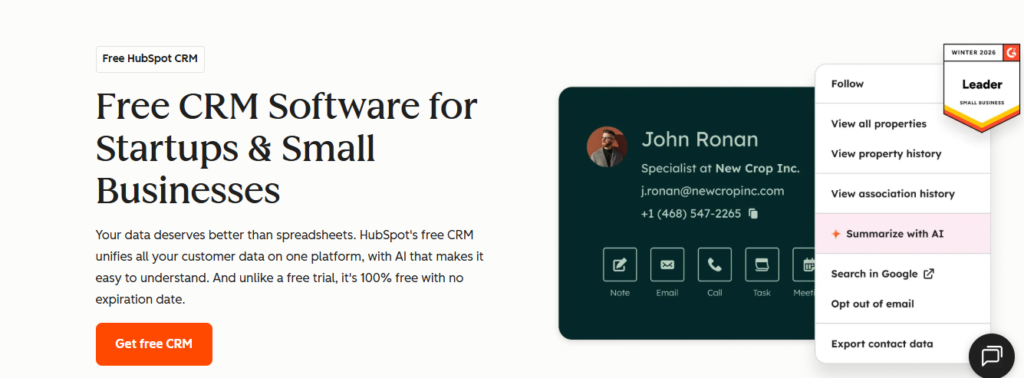
HubSpot has revolutionized the market by offering a “Free-to-Start” model that scales with the business. It is widely considered the best CRM software for companies that prioritize inbound marketing. The platform is famous for its ease of use and “all-in-one” approach, connecting sales, marketing, content management, and operations. In 2026, its Smart CRM features utilize AI to automatically clean data and enrich lead profiles without manual entry.
Key Features:
- Unified contact record across marketing and sales departments.
- Built-in SEO and content marketing tools.
- Automated sequence queues for sales outreach.
Pros:
- User-friendly interface with minimal training required.
- Excellent free tier for startups and small businesses.
- Seamless synchronization between marketing and sales.
Cons:
- Prices increase significantly as you add “Seats” or “Hubs.”
- Customization is more limited compared to Salesforce.
- Reporting can become complex at the enterprise level.
3. Zoho CRM
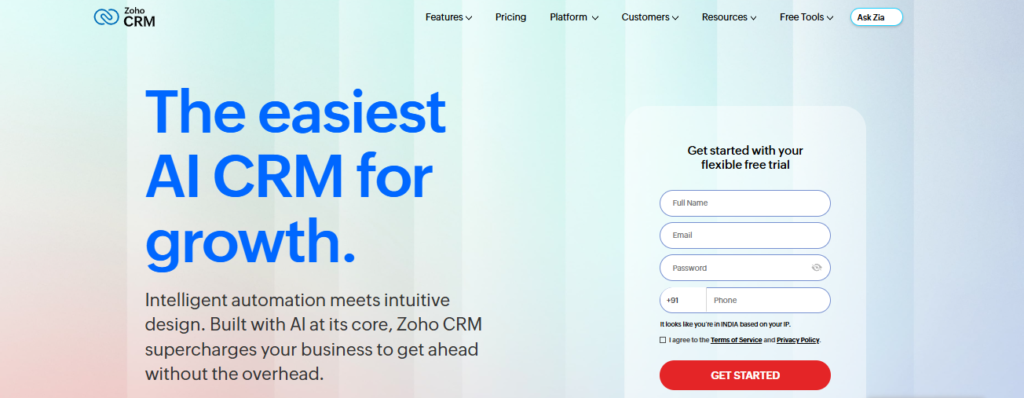
Zoho CRM is a powerhouse for small to mid-sized businesses looking for enterprise-grade features at a fraction of the cost. Its standout feature is Canvas, a design studio that allows users to completely redesign the CRM interface to match their brand. Zoho also offers Zia, an AI assistant that predicts deal closures and identifies anomalies in sales patterns. It is an ideal CRM for startups that need flexibility and affordability.
Key Features:
- Canvas design tool for UI customization.
- Zia AI for sales forecasting and sentiment analysis.
- Native integration with over 50 Zoho business apps.
Pros:
- Very competitive pricing for the feature set.
- Strong multi-channel support including telephony and social.
- Excellent mobile app for remote sales teams.
Cons:
- Customer support response times can be slow.
- Some advanced features require a steep learning curve.
- The UI can feel cluttered before customization.
4. Pipedrive
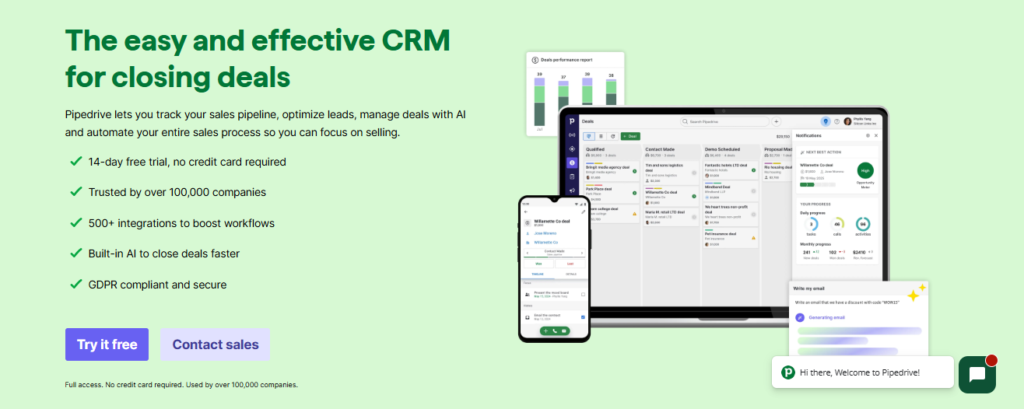
Pipedrive is built by salespeople for salespeople. It focuses on activity-based selling, ensuring that no deal falls through the cracks. The interface is visual and intuitive, centered around a pipeline view that tracks every stage of a sale. In 2026, Pipedrive has introduced enhanced AI Sales Assistants that nudge reps on which deals to focus on based on historical success rates.
Key Features:
- Visual sales pipelines with drag-and-drop functionality.
- Smart Contact Data for instant lead enrichment.
- Automated workflow triggers for repetitive tasks.
Pros:
- Simple setup and very easy to navigate.
- Strong focus on sales methodology and action.
- Great value for small sales teams.
Cons:
- Limited marketing and customer service features.
- Lower-tier plans lack essential automation.
- Not designed for complex, multi-departmental enterprises.
5. Monday CRM
Monday.com has evolved from a project management tool into one of the most flexible CRM tools available. Its CRM product is highly visual and uses a “no-code” building block approach. This allows teams to build their own CRM workflows in minutes. It is perfect for teams that want to manage their sales pipeline alongside their project tasks in a single interface.
Key Features:
- Fully customizable boards and columns.
- Automated notifications and status updates.
- Integration with Slack, Gmail, and Google Drive.
Pros:
- Superior visual design and user experience.
- Extremely flexible for non-sales workflows.
- Fast implementation time for new teams.
Cons:
- Lacks some deep sales analytics found in dedicated CRMs.
- Pricing structure is based on seat blocks rather than individuals.
- Advanced automation is restricted to higher tiers.
6. Freshsales (by Freshworks)
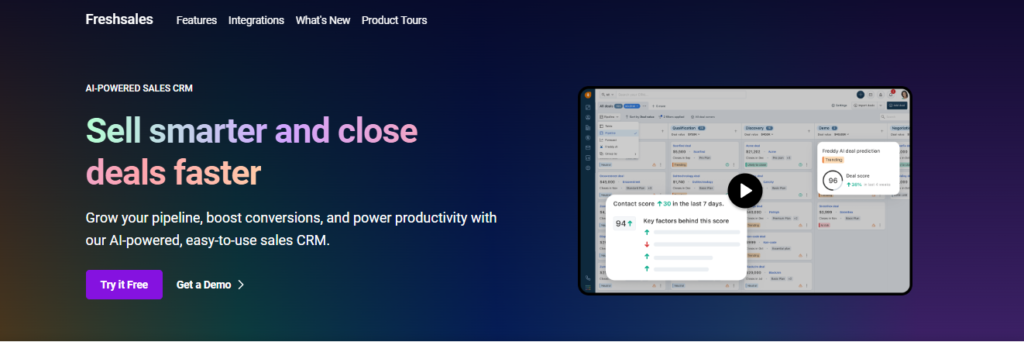
Freshsales stands out for its AI-powered lead scoring and built-in communication tools. It provides a 360-degree view of the customer by combining email, phone, and chat history into a single timeline. The “Freddy AI” engine helps sales reps identify high-intent leads and suggests the “next best action” to move a deal forward.
Key Features:
- Built-in cloud telephony and SMS.
- AI-based lead scoring and deal insights.
- Visual sales sequences for automated nurturing.
Pros:
- Consolidated communication tools within the platform.
- Intuitive and modern user interface.
- Robust free version for small teams.
Cons:
- Reporting can be less flexible than competitors.
- Integration with third-party apps is more limited.
- Some users report occasional software lag.
7. Zendesk Sell
Zendesk Sell is designed to bridge the gap between sales and support. If your business already uses Zendesk for customer service, the Sell CRM is a natural choice. It offers a clean, mobile-first experience that allows reps to access full customer support history while they are closing deals. It is highly effective for companies where the post-purchase relationship is as important as the initial sale.
Key Features:
- Seamless integration with Zendesk Support.
- Smart Lists for lead prioritization.
- Mobile CRM with offline access.
Pros:
- Excellent visibility into customer support tickets.
- Strong prospecting and lead generation tools.
- Fast and reliable mobile performance.
Cons:
- Can be expensive for the standalone feature set.
- Limited customization options for the pipeline.
- Not as feature-rich as Salesforce or HubSpot.
8. ClickUp CRM
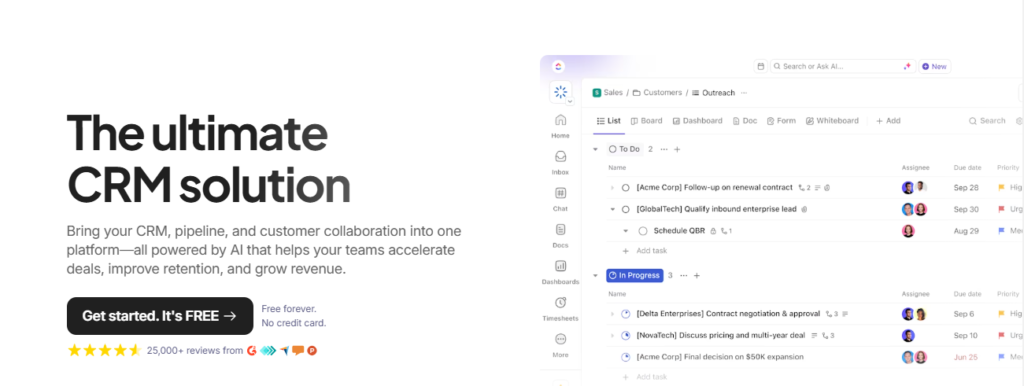
ClickUp has emerged as a top contender for businesses that want a “one app to replace them all” experience. Its CRM capabilities are built into its productivity platform, allowing users to track leads, manage accounts, and execute projects in one place. It is highly customizable and uses a unique hierarchy system that organizes data into Folders, Lists, and Tasks.
Key Features:
- Custom Fields for tracking any data point.
- Relationship linking between tasks and customers.
- Multiple views including Board, Table, and Calendar.
Pros:
- Unbeatable value for money.
- Eliminates the need for multiple separate apps.
- Highly customizable for unique business models.
Cons:
- The sheer number of features can be overwhelming.
- Mobile app is not as polished as the desktop version.
- Requires significant time to set up correctly.
9. Copper
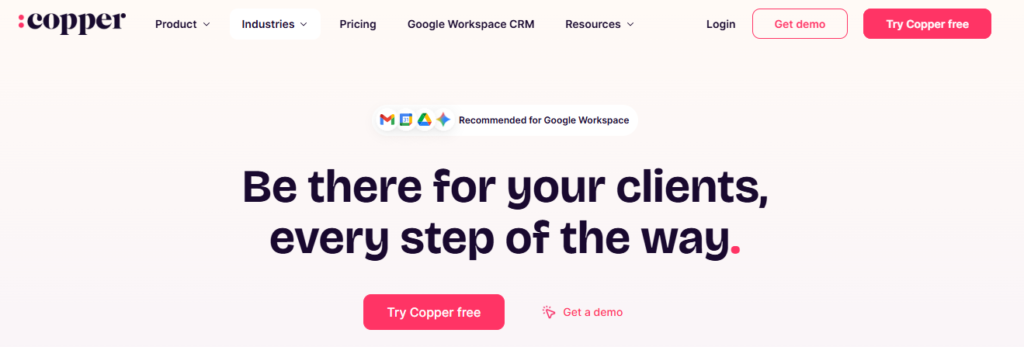
Copper is the best CRM software for users who live in Google Workspace. It is the only CRM recommended by Google and is designed to look and feel exactly like a Google app. It lives inside your Gmail inbox, automatically scraping data from your emails to populate contact records. It is ideal for creative agencies and tech startups that rely heavily on Google’s ecosystem.
Key Features:
- Direct integration with Gmail, Calendar, and Drive.
- Automated data entry from email signatures.
- Chrome extension for CRM access without leaving the inbox.
Pros:
- Zero learning curve for Google Workspace users.
- Automates manual data entry tasks.
- Clean, minimalist design.
Cons:
- Limited to Google Workspace users only.
- Lacks advanced features for large enterprise sales.
- Reporting capabilities are somewhat basic.
10. Insightly
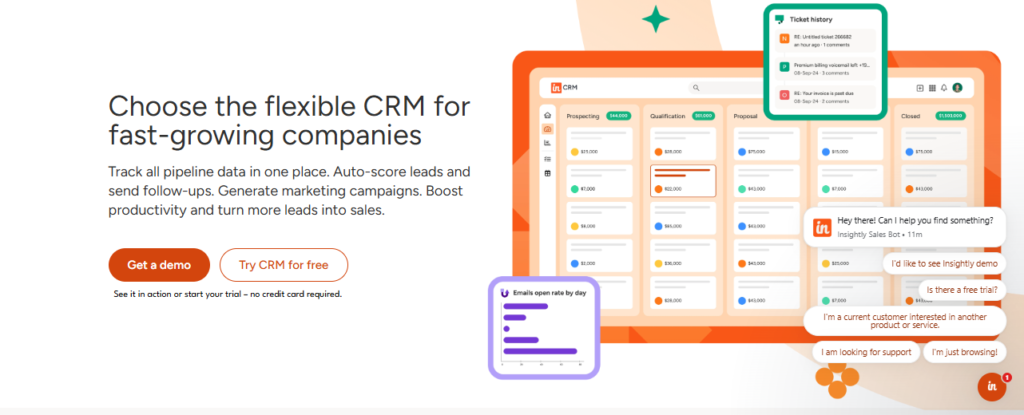
Insightly is unique because it combines CRM with powerful project management. Once a deal is closed, Insightly allows you to convert that lead into a project immediately. This ensures a smooth handoff from the sales team to the delivery team. It is a top choice for professional services and manufacturing firms.
Key Features:
- Project tracking and milestone management.
- Relationship linking to map complex organizations.
- Lead routing and workflow automation.
Pros:
- Excellent for post-sale execution.
- Strong security and compliance features.
- Intuitive relationship mapping.
Cons:
- User interface feels a bit dated compared to Monday or HubSpot.
- Customer support is often locked behind a paid plan.
- Mobile app lacks some desktop functionality.
11. Capsule CRM
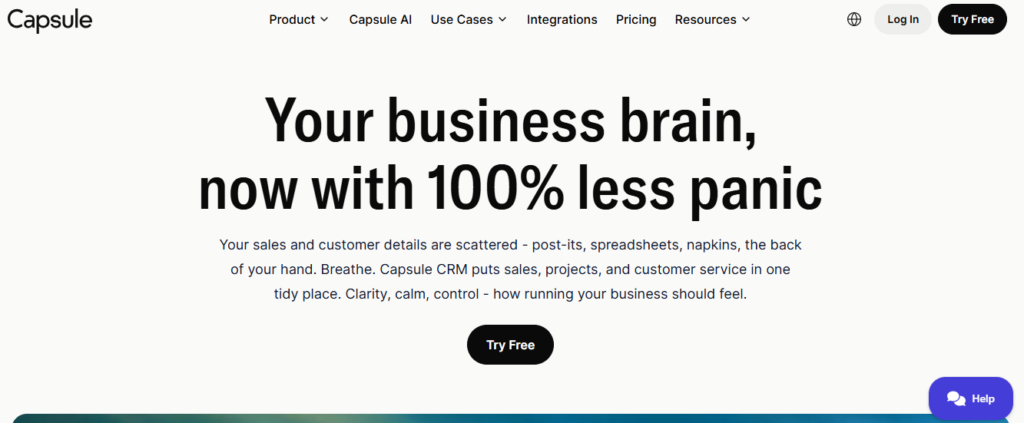
Capsule focuses on doing the basics exceptionally well. It is a “no-frills” CRM designed for small businesses that find other platforms too complex. It provides a clear overview of the sales pipeline and a simple way to manage contact relationships. In 2026, it remains a favorite for its focus on privacy and ease of use.
Key Features:
- Simple contact and task management.
- Customizable sales pipelines.
- Integration with Xero and QuickBooks.
Pros:
- Extremely easy to set up and use.
- Great pricing for very small teams.
- Excellent integration with accounting software.
Cons:
- Lacks advanced AI and automation features.
- Reporting is very basic.
- Not suitable for high-volume sales teams.
12. Microsoft Dynamics 365 Sales
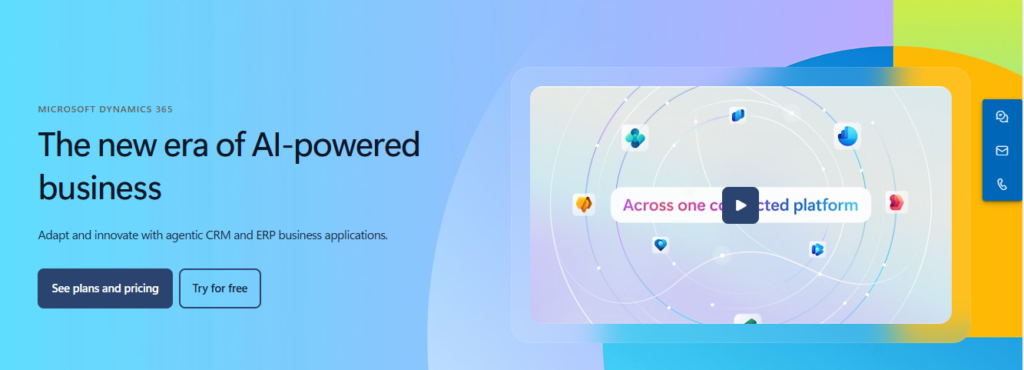
For organizations already entrenched in the Microsoft ecosystem, Dynamics 365 is the logical choice. It offers deep integration with LinkedIn Sales Navigator, Microsoft Teams, and Excel. In 2026, Microsoft Copilot is deeply integrated into the CRM, allowing users to generate meeting summaries and email replies using generative AI.
Key Features:
- Seamless LinkedIn Sales Navigator integration.
- Copilot AI for sales productivity.
- Power BI integration for advanced data visualization.
Pros:
- Unrivaled integration with Office 365.
- Powerful enterprise-grade security.
- Extensive customization via Power Apps.
Cons:
- Requires a specialized consultant for implementation.
- User interface can be clunky and complex.
- High cost for full enterprise features.
13. Less Annoying CRM
Living up to its name, this CRM is designed to be the most user-friendly option on the market. It offers a flat pricing model and excludes the “bloat” that often confuses users. It is a fantastic CRM for small business owners who need to track leads without spending hours on training.
Key Features:
- One simple price for all features.
- Single-screen view for all contact info.
- Easy team collaboration tools.
Pros:
- Most transparent pricing in the industry.
- Exceptional customer support for small users.
- Incredibly simple and fast to learn.
Cons:
- Lacks advanced automation and AI.
- Limited integrations with third-party apps.
- No enterprise-level reporting.
14. Nimble
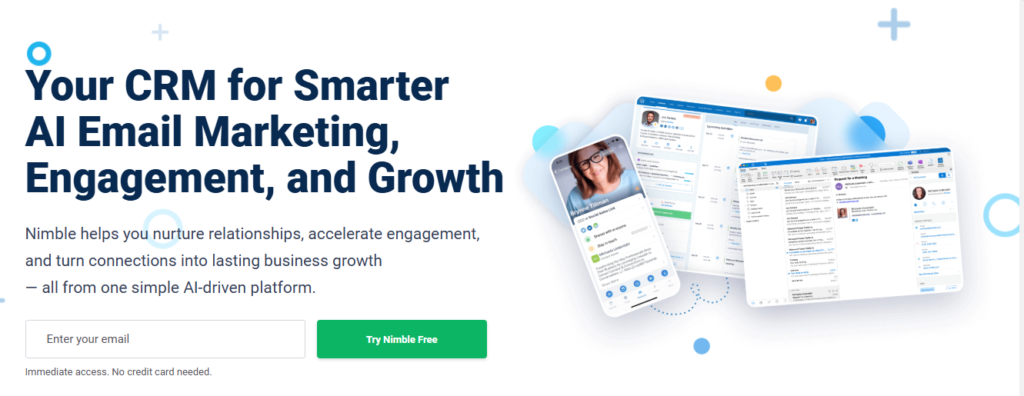
Nimble is the best CRM for social selling. It automatically gathers social media profiles and business information for your contacts, giving you a complete picture of who you are talking to. It “follows” you across the web, allowing you to update your CRM from any social media platform or website via a browser extension.
Key Features:
- Automatic social profile enrichment.
- “Everywhere” browser extension.
- Unified Smart Contacts record.
Pros:
- Excellent for building relationships on social media.
- Reduces manual data entry significantly.
- Affordable for individual consultants.
Cons:
- Not ideal for managing complex sales pipelines.
- Interface can feel busy with too much social data.
- Reporting tools are limited.
15. Bitrix24
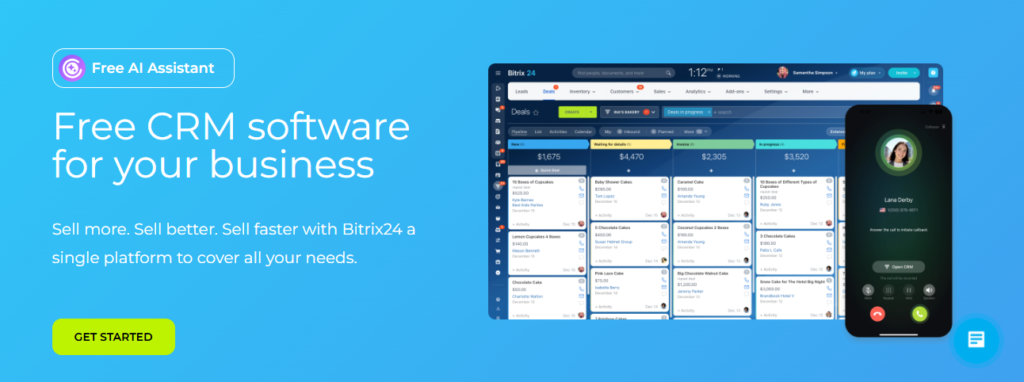
Bitrix24 is an all-encompassing business suite that includes CRM, project management, website building, and internal communication tools. It is famous for its “Unlimited Users” flat-rate pricing, making it highly cost-effective for large teams. It provides a massive range of features, including a built-in contact center and HD video conferencing.
Key Features:
- Omnichannel contact center (social, email, phone).
- Work time tracking and task management.
- Free website and landing page builder.
Pros:
- Incredible value with unlimited user plans.
- Wide range of built-in business tools.
- Strong internal communication features.
Cons:
- User interface is cluttered and overwhelming.
- Steep learning curve due to the number of features.
- Mobile app can be slow.
CRM Software Comparison Table (2026)
| CRM Software | Best For | Key Feature | Ease of Use |
|---|---|---|---|
| Salesforce Sales Cloud | Enterprises | Advanced AI (Einstein GPT) | Moderate |
| HubSpot CRM | Startups & SMBs | All-in-one marketing + sales | Easy |
| Zoho CRM | Small–Mid Businesses | Custom UI (Canvas) | Moderate |
| Pipedrive | Sales Teams | Visual sales pipeline | Very Easy |
| Monday CRM | Workflow Automation | No-code customization | Easy |
| Freshsales | AI-driven Sales | Freddy AI insights | Easy |
| Zendesk Sell | Sales + Support Teams | Support integration | Moderate |
| ClickUp CRM | All-in-one Work Mgmt | CRM + project management | Moderate |
| Copper | Google Workspace Users | Gmail integration | Very Easy |
| Insightly | Project-based Businesses | CRM + project tracking | Moderate |
| Capsule CRM | Small Teams | Simple & lightweight | Very Easy |
| Microsoft Dynamics 365 | Large Enterprises | Deep Microsoft integration | Complex |
| Less Annoying CRM | Solo/Small Business | Flat pricing simplicity | Very Easy |
| Nimble | Social Selling | Social profile enrichment | Easy |
| Bitrix24 | Large Teams (Budget) | Unlimited users | Moderate |
Final Verdict
Selecting the best CRM software in 2026 depends entirely on your specific organizational needs. For large-scale enterprises requiring deep customization, Salesforce and Microsoft Dynamics 365 remain the gold standard. If you are a fast-growing startup, HubSpot or Zoho CRM offer the best balance of power and ease of use. For those who prioritize a visual and simple workflow, Pipedrive or Monday CRM are excellent choices.
Before committing, evaluate your budget, the size of your sales team, and the technical literacy of your staff. Most of these CRM platforms offer free trials; take advantage of them to see which interface feels most natural for your daily operations. Start exploring the best CRM software for your business today and transform your customer data into a powerful engine for growth.
To explore more in-depth comparisons like this, visit TheListify, where we regularly publish expert-curated lists of the best tools and software for businesses across various industries. Whether you’re searching for CRM platforms, marketing tools, or productivity solutions, our detailed guides help you make informed decisions faster.
Frequently Asked Questions
What is CRM software?
CRM software is a technology used to manage all your company’s relationships and interactions with customers and potential customers. The goal is simple: Improve business relationships to grow your business. It helps companies stay connected to customers, streamline processes, and improve profitability throughout the entire customer lifecycle.
Is there any free CRM available?
Yes, many top providers offer free versions. HubSpot is famous for its comprehensive free CRM. Zoho CRM and Freshsales also offer free tiers with limited features. These are excellent for startups to organize their contacts before they are ready to invest in a paid subscription.
How do I choose the right CRM?
To choose the right CRM, first identify your primary goal: Is it lead generation, better customer service, or project management? Then, consider your budget and the apps you already use. Ensure the CRM integrates with your current tools and offers a user interface that your team will actually enjoy using daily.
What features should a good CRM have?
A modern CRM should include contact management, lead tracking, sales pipeline visualization, and automated workflows. In 2026, it is also important to look for AI-driven insights, mobile access, and robust integration capabilities with email and social media platforms to ensure a seamless data flow.
Can CRM improve sales performance?
Absolutely. CRM software improves sales performance by organizing lead data, automating repetitive follow-up tasks, and providing managers with clear visibility into the sales pipeline. This allows reps to focus on high-value activities and closing deals rather than manual data entry or searching for contact information.