Finding the best project management software is not as straightforward as it used to be. The market has exploded with options, and every team has different priorities, whether that is visual simplicity, deep automation, tight developer integrations, or a budget of zero. This guide cuts through the noise and gives you honest, experience-backed takes on the best tools available right now.
We analyzed and reviewed over 30 platforms, tested free plans, read hundreds of real user reviews, and studied what actually ranks at the top of Google for this query. What you will find here is a clear, structured breakdown of the 12 best project management tools in 2026, who each one is genuinely good for, and what the real drawbacks look like in practice.
| Who this guide is for: Small business owners, team leads, project managers, and anyone comparing best project management softwares to find the right fit for their workflow. |
How We Evaluated the Best Project Management Tools
Every tool on this list was evaluated across five consistent criteria. No software gets a pass just because it has great marketing or a big brand name behind it.
- Ease of use: Can a new team member get started within an hour?
- Core features: Task management, timelines, collaboration, and reporting.
- Integrations: Does it connect with the tools your team already uses?
- Pricing transparency: Is the value clear, and does the free plan actually work?
- Real user reviews: What do people say after 6 to 12 months of daily use?
The result is a list that reflects how these tools perform in real work environments, not just on feature comparison pages.
The 12 Best Project Management Software Options in 2026
Here is our in-depth breakdown of the best tools for project management, ordered by overall score across all evaluation criteria.
1. Monday.com
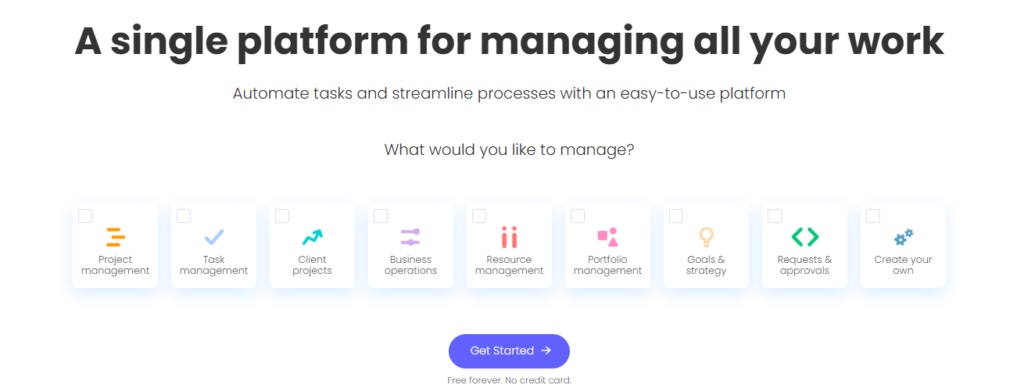
Monday.com has built a reputation as one of the most visually intuitive platforms on the market. It sits comfortably at the top of most best project management software lists because it genuinely works for a wide range of teams, from five-person startups to enterprise operations. The interface is colorful and drag-and-drop, and getting a new board set up takes minutes rather than hours.
Where Monday.com stands apart is in its flexibility. You can build workflows that look and behave very differently from each other, all within the same account. A marketing team, a dev squad, and an HR department can all run their own customized views without anyone stepping on each other’s setup.
Key Features
- Customizable boards with 20+ column types including status, timeline, formula, and dependency
- Over 200 pre-built workflow templates across industries
- Automations that can trigger actions based on status changes, deadlines, or assignments
- Dashboards that pull data across multiple boards into one view
- Native integrations with Slack, Google Workspace, Zoom, HubSpot, Salesforce, and more
- Time tracking, workload views, and Gantt-style timeline charts
Pros
- Extremely intuitive interface, almost no learning curve
- Scales well from small teams to large organizations
- Automation builder is powerful without requiring any code
- Mobile app is genuinely useful, not just a stripped-down version
- Excellent customer support and onboarding resources
Cons
- Free plan limited to just two seats, which rules it out for most teams
- Pricing jumps sharply once you move beyond basic tiers
- Some advanced features like time tracking are locked behind higher plans
- Can feel feature-heavy for teams that only need simple task lists
| Best for: Teams of any size that want a highly visual, flexible workspace and are willing to pay for a quality experience. |
2. Asana
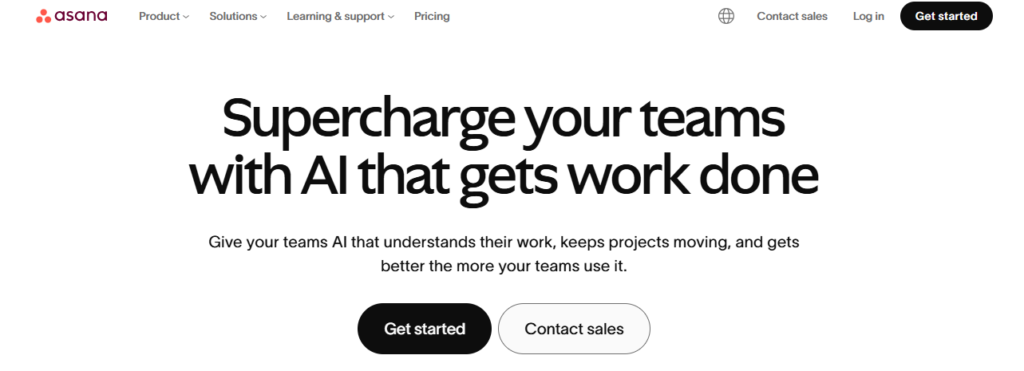
Asana is a heavyweight in the project management world, and it has earned that status through years of focused product development. It is one of the most thoughtfully designed platforms for cross-functional team collaboration, especially for organizations where multiple departments need to see and contribute to the same projects.
The platform handles complex project structures well. You can create portfolios of related projects, set goals that link back to actual tasks, and build out reporting dashboards that give stakeholders a real-time view without having to dig through boards themselves. For many teams, Asana sits at the top of the list of best software for project management when complex collaboration is the priority.
Key Features
- List, board, calendar, and timeline views for every project
- Portfolios and goals features for tracking multiple projects against business objectives
- Rules-based automation to handle recurring workflows
- Forms for capturing intake requests from outside the team
- Workload management to balance task distribution across team members
- Deep integrations with over 200 apps including Slack, Microsoft Teams, and Salesforce
Pros
- Free plan supports up to 15 users, one of the most generous limits available
- Strong reporting and goal-tracking features
- Excellent for structured, process-heavy workflows
- Timeline view is polished and easy to share with stakeholders
- Consistent product updates and a strong user community
Cons
- The interface can feel dense for new users
- Time tracking is not built in natively and requires a third-party integration
- The free plan does not include timeline or dashboard views
- Subtask visibility within timelines is limited on lower-tier plans
| Best for: Mid-to-large teams with structured workflows who need strong cross-department coordination and stakeholder reporting. |
3. ClickUp
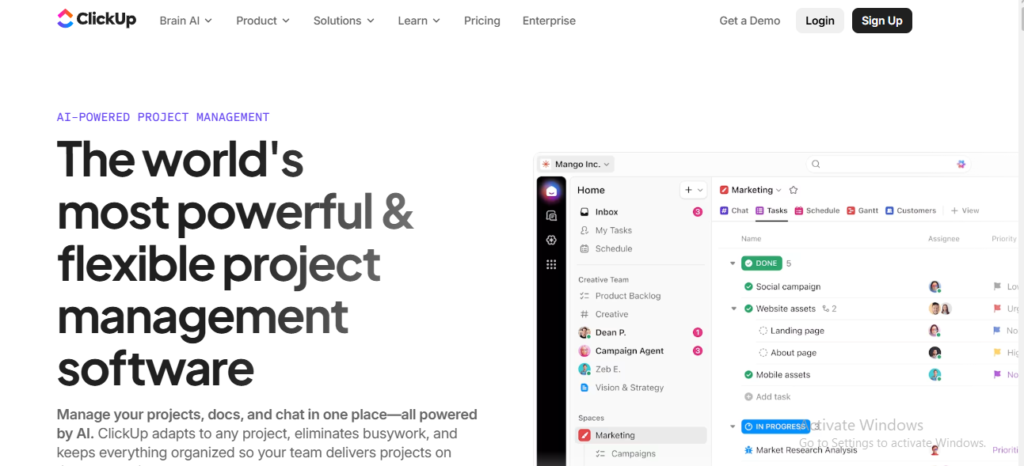
ClickUp markets itself as a replacement for every other app, and while that claim is ambitious, it is not entirely without basis. The platform packs more features into a single product than almost any other tool on this list. Tasks, docs, goals, whiteboards, chat, time tracking, and custom dashboards all live under one roof.
For teams that have been using four or five different tools and want to consolidate, ClickUp is often the most compelling option. It is also one of the more affordable picks when you compare the feature set to the price, making it a strong candidate on any list of best project management tools for growing businesses.
Key Features
- Unlimited tasks, projects, and members even on the free plan
- 15+ views including list, board, Gantt, calendar, table, workload, and map
- ClickUp Docs for creating rich wikis and project briefs within the same workspace
- Native time tracking with billable hours and time estimates
- Goals and OKR tracking linked directly to tasks
- AI-powered writing assistant available on paid plans
Pros
- One of the most feature-complete free plans available
- Highly customizable to fit almost any workflow style
- Consistently rolling out new features based on user feedback
- Strong value for money across all paid tiers
- Excellent for teams that want to centralize all work in one place
Cons
- The sheer number of features creates a steep learning curve
- Performance can slow down with very large workspaces
- The mobile app, while improved, still lags behind the web experience
- Notifications can become overwhelming without careful settings management
| Best for: Teams that want maximum flexibility and the most features possible for the lowest cost, and who are patient enough to invest time in setup. |
4. Trello
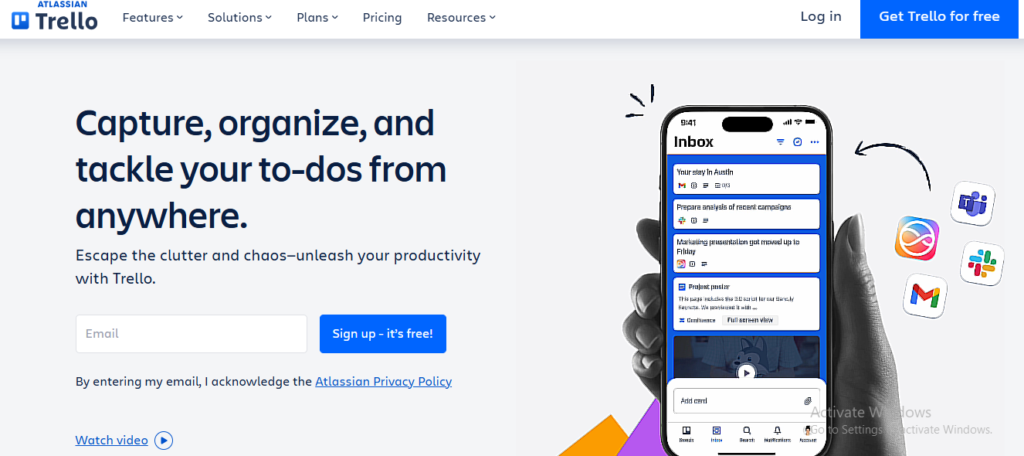
Trello is the tool that introduced millions of people to Kanban-style project management, and it is still one of the best choices for teams that want simplicity above everything else. Cards move through columns, lists stay clean, and onboarding takes about ten minutes. That straightforwardness is exactly what makes it one of the best project management tools for certain use cases.
While Trello may not have the depth of some competitors, its Power-Ups system allows teams to add functionality like calendar views, time tracking, voting, and integrations without cluttering the core interface for those who do not need them.
Key Features
- Classic Kanban board interface with drag-and-drop cards
- Power-Ups to extend functionality with integrations and new views
- Butler automation for creating rules, buttons, and scheduled commands
- Timeline and calendar views available on paid plans
- Checklists, attachments, due dates, and labels on every card
- Template library for common workflows like sprint planning and content calendars
Pros
- Fastest onboarding of any tool on this list
- Free plan is very functional for individuals and small teams
- Clean, uncluttered visual design
- Great for personal productivity as well as team projects
- Reliable performance and very few reported bugs
Cons
- Not built for complex projects with many dependencies
- Reporting and analytics are limited compared to competitors
- Scales poorly for large teams with many simultaneous projects
- Gantt charts and workload views require paid upgrades
| Best for: Individuals, small teams, or anyone who needs a clean, simple Kanban board without a long setup process. |
5. Notion
Notion occupies a unique space in the project management landscape. It is not a traditional project management tool in the way that Asana or Monday.com are, but it has become one of the most popular best project manager software options for teams that want their documentation, knowledge base, and project tracking all in one connected system.
The block-based editor allows teams to build any kind of workspace they can imagine. Databases, kanban boards, tables, galleries, and rich text documents all live together. This makes Notion incredibly powerful for teams that do a lot of writing, planning, and process documentation alongside their task tracking.
Key Features
- Block-based editor that supports text, databases, embeds, and media
- Database views: table, board, gallery, list, calendar, and timeline
- Notion AI for drafting content, summarizing pages, and generating action items
- Linked databases to connect related records across different pages
- Robust templates for project planning, team wikis, and meeting notes
- API access for building custom integrations and automations
Pros
- Combines documentation and project management better than anyone else
- Free plan is generous for solo users
- Highly flexible, you build exactly what you need
- Notion AI genuinely speeds up planning and writing tasks
- Strong community of template creators
Cons
- Not purpose-built for project management, some PM features feel bolted on
- Performance degrades noticeably with very large databases
- No native time tracking or Gantt view without workarounds
- Can take weeks to set up a production-ready workspace properly
| Best for: Teams with strong documentation needs who want their knowledge base and project tracking in the same tool. |
6. Jira
Jira is the industry standard for software development teams, and that reputation is well-deserved. It was built specifically for tracking bugs, managing sprints, and organizing development backlogs in a way that aligns with Agile and Scrum methodologies. When developers say they need a best tool for project management in a technical environment, Jira is almost always at the top of the list.
The tradeoff is complexity. Jira is not a casual tool, and configuring it properly for your workflow takes real effort. But for engineering teams who invest in that setup, the level of control and visibility it provides over development work is hard to match.
Key Features
- Scrum and Kanban boards built for Agile development workflows
- Sprint planning, backlog management, and velocity tracking
- Advanced JQL (Jira Query Language) for building custom filters and reports
- Bug tracking and issue management with customizable fields
- Roadmaps for visualizing long-term delivery plans
- Tight integration with the entire Atlassian ecosystem including Confluence and Bitbucket
Pros
- Best-in-class for Agile software development teams
- Free plan supports up to 10 users with full core features
- Extremely customizable workflow states and issue types
- Powerful reporting and sprint analytics
- The Atlassian marketplace has thousands of add-ons
Cons
- Steep learning curve, especially for non-technical users
- Interface can feel complex and dated compared to newer competitors
- Licensing and plan structure can be confusing for growing teams
- Not ideal for non-software project types like marketing or HR
| Best for: Software development and engineering teams using Agile, Scrum, or Kanban methodologies. |
7. Wrike
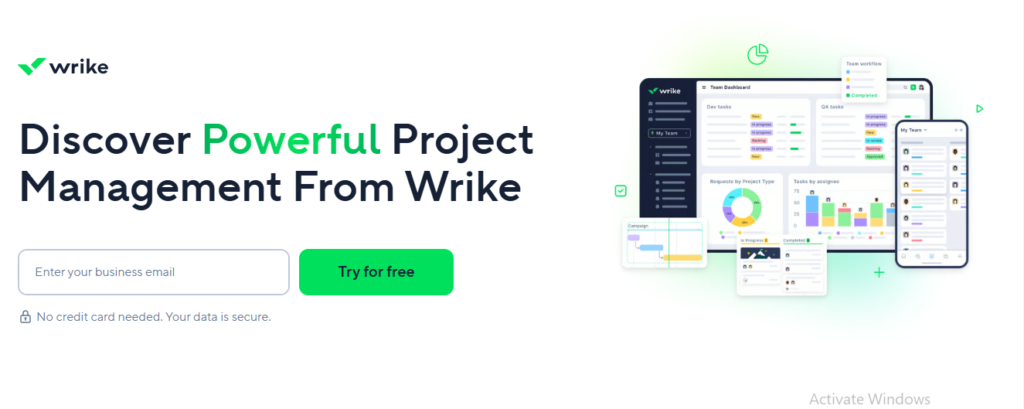
Wrike is a powerful option that tends to perform best for marketing agencies, creative teams, and professional service businesses. It brings together request management, proofing and approval workflows, and project tracking in a way that is genuinely well-suited to high-volume creative work. Many agencies have named it their preferred best rated project management software for client delivery.
The platform has a more enterprise feel than some competitors, and the onboarding process reflects that. But once set up correctly, Wrike handles complex multi-project environments with real confidence.
Key Features
- Interactive Gantt charts with drag-and-drop scheduling
- Request forms that automatically route work to the right team
- Proofing and approval workflows for reviewing creative assets
- Cross-tagging to allow tasks to appear in multiple project views
- Custom dashboards and real-time reporting
- Resource management and workload balancing tools
Pros
- Outstanding for creative and marketing teams managing approvals
- Flexible enough to handle both simple and very complex project structures
- Strong permissions and access control for client work
- Detailed audit trails and activity logs
- Solid integrations with Adobe Creative Cloud, Salesforce, and Microsoft Teams
Cons
- Free plan is limited to just 5 users and basic features
- Pricing can get expensive quickly for larger teams
- Some users find the interface less intuitive than Monday.com or ClickUp
- Mobile app experience is not as polished as the desktop version
| Best for: Marketing agencies, creative studios, and professional service teams managing client-facing deliverables. |
8. Smartsheet
Smartsheet is the go-to choice for teams that love the structure of a spreadsheet but need more than Excel can offer for project tracking. It looks familiar to anyone who has worked in Google Sheets or Excel, but adds real project management features like dependencies, automated workflows, dashboards, and approval chains on top of that grid foundation.
For operations teams, finance departments, and project managers who think in rows and columns, Smartsheet is often considered the best project managment software for making the transition from manual spreadsheet tracking to a proper platform.
Key Features
- Grid, Gantt, card, and calendar views built on a spreadsheet-style interface
- Automated workflows for notifications, approvals, and status updates
- Dynamic reports that pull data from multiple sheets into one view
- Dashboards for sharing real-time metrics with stakeholders
- Forms for external data intake linked directly to project sheets
- Secure collaboration with external clients and contractors
Pros
- Familiar spreadsheet layout reduces onboarding friction
- Highly capable automation without needing technical skills
- Strong for data-heavy projects with many tracked variables
- Good option for organizations that cannot fully leave spreadsheet thinking
- Robust enterprise security and compliance features
Cons
- No free plan, which is a notable disadvantage
- Interface feels more rigid than dedicated PM tools
- Collaboration features are less fluid than Asana or Monday.com
- Advanced features require higher-tier plans
| Best for: Operations managers, finance teams, and project managers who think in spreadsheets but need proper project workflow features. |
9. Basecamp
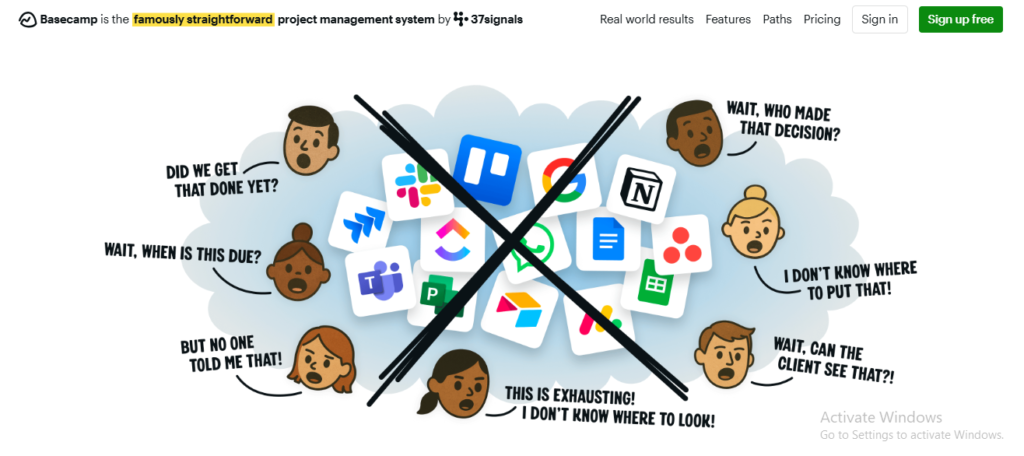
Basecamp takes a deliberately minimal approach to project management, and it is either exactly what you need or not what you need at all. There are no complex permissions, no intricate workflows, and no five different views to configure. Instead, you get a clean set of tools, message boards, to-do lists, file storage, and group chat, organized by project.
The flat pricing model makes Basecamp stand out from nearly every other best tools for project management option. You pay a single monthly fee regardless of team size, which makes it surprisingly affordable for mid-size and larger teams.
Key Features
- Message boards for structured async team communication
- To-do lists with assignments, due dates, and comments
- Schedule view for seeing deadlines across a project
- Group chat (Campfire) for quick team conversations
- Hill Charts for visualizing project progress in a unique way
- Client access with controlled visibility settings
Pros
- Flat pricing regardless of team size is genuinely unique
- Very clean and uncluttered interface
- Great for async and remote team communication
- Easy client collaboration without complex permissions
- Minimal setup time to get a project running
Cons
- No Gantt charts or timeline views
- Task dependencies are not supported natively
- Limited reporting and analytics compared to competitors
- Not suitable for complex project structures
| Best for: Remote teams and agencies that prioritize communication and simplicity over advanced project planning features. |
10. Teamwork
Teamwork is purpose-built for agencies and client services businesses. It includes billing, time tracking, retainer management, and client permissions all in the core product, features that most competitors treat as integrations or add-ons. For agencies managing multiple client projects simultaneously, Teamwork frequently earns a spot on lists of best tool for project management for billable work.
Key Features
- Built-in time tracking and billable hours management
- Client access with customizable visibility and permissions
- Budget and profitability tracking per project
- Gantt charts with task dependencies and critical path
- Retainer management for recurring client accounts
- Resource scheduling across team members and projects
Pros
- Best overall feature set for agency and client services work
- Free plan supports up to 5 users with core features
- Built-in invoicing and budget tracking saves separate tool subscriptions
- Strong Gantt chart implementation
- Good mobile app for on-the-go project updates
Cons
- Interface can feel dated compared to newer tools
- Setup takes more time than simpler competitors
- Some advanced features are only available on higher-tier plans
- Customer support response times can vary
| Best for: Digital agencies, consultancies, and client services businesses that need billing and time tracking built directly into their project management. |
Pricing: Free plan (5 users, 2 projects), Starter at $5.99/seat/month, Deliver at $9.99, Grow at $19.99.
11. Microsoft Project
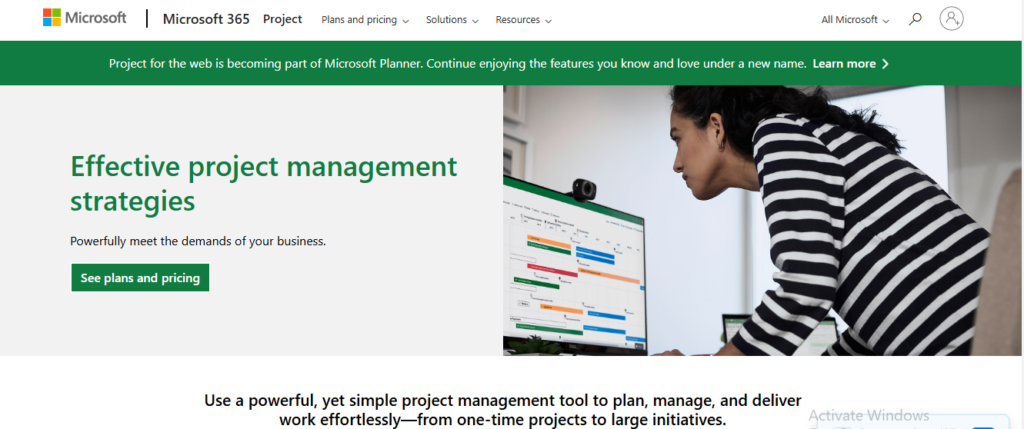
Microsoft Project is the granddaddy of project management software, and it still has a strong user base among enterprise organizations, particularly those already deep in the Microsoft 365 ecosystem. It is not trying to be modern or approachable. It is built for experienced project managers running large, complex initiatives with formal methodologies.
If your organization uses waterfall project management, has dedicated project managers, and already lives in Microsoft tools, Project offers capabilities that few cloud-native tools can match for formal project planning.
Key Features
- Advanced Gantt chart tools with critical path analysis
- Resource management across people, equipment, and budget
- Baseline tracking to compare planned versus actual progress
- Portfolio management for program-level visibility
- Deep integration with Microsoft Teams, SharePoint, and Power BI
- Support for both waterfall and Agile project management methods
Pros
- Unmatched depth for formal, enterprise-scale project planning
- Familiar to certified project managers trained in traditional PM methods
- Seamless integration with the broader Microsoft 365 suite
- Strong reporting and executive dashboards via Power BI
- Excellent for resource and budget management on large programs
Cons
- Steep learning curve, requires dedicated training to use effectively
- Expensive relative to modern cloud alternatives
- Collaboration features feel outdated compared to newer tools
- Not ideal for smaller teams or agile environments
| Best for: Enterprise organizations with dedicated project managers running large, formal programs within the Microsoft 365 ecosystem. |
12. Todoist
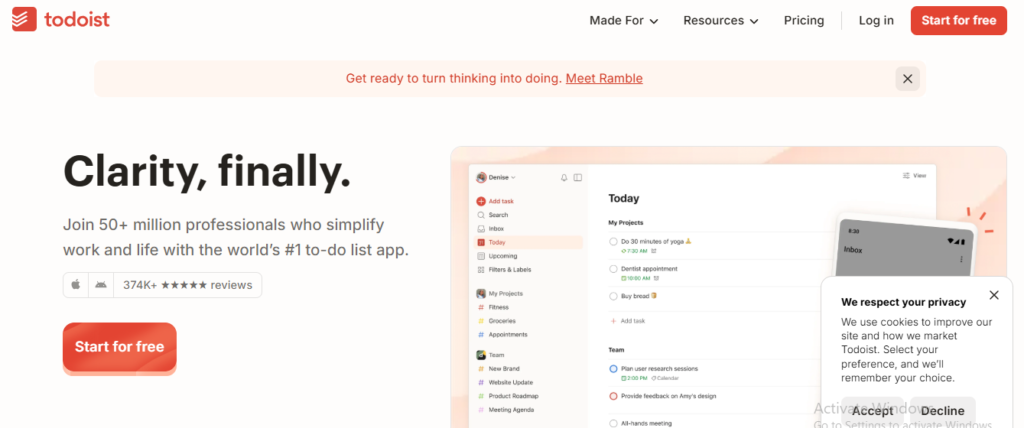
Todoist earns its place on this list as the best option for individuals and very small teams that want clean, reliable task management without the complexity of a full project suite. It has been refined over years into a nearly perfect task capture and management experience, particularly for people who prefer working from a clean list interface.
Among lightweight best project management tools, Todoist stands out for its natural language input, which lets you type things like ‘submit report every Monday at 9am’ and have it automatically create a recurring task with a time set.
Key Features
- Natural language input for fast task creation
- Priority levels, labels, and filters for organizing tasks
- Recurring tasks with flexible scheduling options
- Projects and sub-projects with progress visualization
- Karma system for tracking personal productivity habits
- Integration with Google Calendar, Slack, Gmail, and Outlook
Pros
- One of the cleanest, most refined task management interfaces available
- Works brilliantly as a personal productivity system
- Natural language input is genuinely fast and accurate
- Cross-platform apps are consistent and reliable
- Affordable pricing even for paid tiers
Cons
- Not built for team collaboration at scale
- No Gantt charts, workload views, or advanced reporting
- File attachment and communication features are minimal
- Free plan limits projects to five, which fills up quickly
| Best for: Individuals, freelancers, and teams of one to five people who want clean, reliable task management without project management overhead. |
Quick Comparison: Best Project Management Software at a Glance
Use the table below to get a fast overview before diving into the full reviews.
| Tool | Best For | Key Strength | Ease of Use | Integrations |
|---|---|---|---|---|
| Monday.com | Teams of all sizes | Visual workflows & flexibility | Very Easy | Extensive (200+) |
| Asana | Cross-team collaboration | Structured project tracking | Moderate | Extensive (200+) |
| ClickUp | All-in-one platform | Feature-rich & customizable | Moderate to Hard | Extensive |
| Trello | Simple task management | Kanban simplicity | Very Easy | Moderate (Power-Ups) |
| Notion | Docs + project hybrid | All-in-one workspace | Moderate | Growing ecosystem |
| Jira | Software development teams | Agile & sprint management | Hard | Strong (Atlassian ecosystem) |
| Wrike | Marketing & agencies | Proofing & workflows | Moderate | Strong |
| Smartsheet | Spreadsheet-style PM | Data-driven workflows | Moderate | Strong |
| Basecamp | Remote teams | Communication-first approach | Very Easy | Limited |
| Teamwork | Client services & agencies | Billing & time tracking | Moderate | Strong |
| Microsoft Project | Enterprise planning | Advanced project control | Hard | Strong (Microsoft ecosystem) |
| Todoist | Individuals & small teams | Simple task management | Very Easy | Moderate |
How to Choose the Best Project Management Tool for Your Team
After reading through the reviews, you might still feel uncertain. That is normal because the honest answer is that there is no single best project manager software for everyone. The right choice depends on specific factors that only you know about your team.
1. Consider Your Team Size
Small teams of under ten people have very different needs from organizations with 100 project contributors. Tools like Trello and Todoist work well at small scale. Asana, Monday.com, and ClickUp scale more comfortably as teams grow. For very large organizations, Wrike and Microsoft Project offer the kind of administrative controls and reporting that enterprise environments require.
2. Identify Your Primary Use Case
Software development teams should look at Jira first. Marketing and creative agencies will find Wrike or Asana a better fit. Client services businesses should evaluate Teamwork. Teams that need a hybrid between documentation and task tracking will benefit most from Notion. Choosing the best software for project management starts with being honest about what you actually do day to day.
3. Evaluate the Free Plan Honestly
Many teams start with free plans and never upgrade because the free tier is enough. Asana gives 15 users access on its free plan. ClickUp offers genuinely unlimited tasks and members. Jira supports 10 users at no cost. If budget is a concern, test the free version for at least two weeks with your actual work before committing to any paid plan.
4. Think About Integration Requirements
The best tools for project management are the ones that fit naturally into your existing stack. If your team lives in Slack, verify that the Slack integration is deep and bidirectional. If you use HubSpot or Salesforce, check whether the connection is native or requires a third-party bridge. Integration quality varies enormously between platforms.
5. Plan for Adoption, Not Just Features
The most powerful tool only delivers value if your team actually uses it. A simpler tool that everyone adopts beats a sophisticated one that half the team ignores. Include your team in the evaluation process, run a genuine pilot with real projects, and choose the option people will actually log into every day.
Best Project Management Software by Team Type
Here is a quick reference guide to help you match the right tool to your specific situation.
- Startups and small businesses: ClickUp or Monday.com for flexibility and value
- Software development teams: Jira for Agile workflows, GitHub integration, and sprint planning
- Marketing teams: Asana or Wrike for campaign tracking and creative approvals
- Agencies and client services: Teamwork for time tracking and client billing
- Remote and async teams: Basecamp for communication-first project management
- Enterprise organizations: Wrike, Smartsheet, or Microsoft Project for scale and control
- Individuals and freelancers: Todoist or Notion for personal task management
- Teams needing free options: Asana free, ClickUp free, or Jira free all deliver real value
Final Verdict: Which Tool Should You Choose?
After reviewing all twelve tools, here is our practical recommendation depending on where you are starting from.
If you want the best all-around experience and budget is not the primary concern, Monday.com is the safest choice. It will work for almost any team, it scales well, and the onboarding experience is the smoothest of any platform we tested.
If you want the best project management tools with the most features for the lowest cost, ClickUp is hard to beat. The learning curve is real, but the value you get once you are over it is exceptional.
If you are a software team, start with Jira and do not overthink it. It was built for your workflow and the ecosystem around it is mature enough to handle nearly every development use case.
If you want the best software for project management for agencies and client work, Teamwork is the most purpose-built option and saves money by replacing separate time tracking and billing tools.
Whatever you choose, commit to it for at least 90 days before evaluating whether to switch. The biggest reason teams fail to get value from project management software is abandoning a tool before they have fully implemented it. Pick one, build the habit, and revisit the decision with real data.
| Quick picks summary: Best overall: Monday.com | Best value: ClickUp | Best free: Asana | Best for dev: Jira | Best for agencies: Teamwork | Best simple tool: Trello |
To explore more in-depth comparisons like this, visit TheListify, where we regularly publish expert-curated lists of the best tools and software for businesses across various industries. Whether you’re searching for Best CRM Tools, marketing tools, or productivity solutions, our detailed guides help you make informed decisions faster.
Frequently Asked Questions
What is the best project management software overall?
Monday.com and ClickUp consistently rank as the best project management software for most teams because they balance ease of use, flexibility, and feature depth better than competitors. Monday.com edges ahead for teams that prioritize a polished interface and fast onboarding. ClickUp wins on value and customization.
Which project management tool is best for small teams?
Trello, ClickUp, and Asana are all strong choices for small teams. Trello is the easiest to start with. ClickUp offers the most features on a free plan. Asana’s free plan supports up to 15 users, which covers most small team scenarios without any cost.
What is the best free project management tool?
Asana, ClickUp, and Jira all offer genuinely useful free plans. Asana’s free tier is excellent for collaboration. ClickUp’s free plan has no user or task limits. Jira’s free plan works well for small development teams up to 10 people.
Is there a best project management tool for remote teams?
Basecamp is specifically designed for async and remote work culture, with communication tools built into the core product. Notion is also popular among remote teams for its combination of documentation and project planning. Monday.com and Asana both have strong async collaboration features as well.
What separates good project management software from great?
The best rated project management software earns that rating not just through features but through reliability, thoughtful design, and genuine usefulness in real work situations. The tools on this list have all been tested under real conditions. What separates them is how well they match specific team needs, which is why reading each review rather than just looking at a ranking number gives you a much more useful decision-making foundation.
Does the best project management software need to be expensive?
Not at all. Several of the best tools for project management on this list have free plans that cover most small team needs completely. The premium tiers are worth it when you need advanced automation, reporting, or integrations, but many teams run smoothly on free or entry-level plans for years.