

Managing money is one of the biggest pain points for small business owners. Between chasing invoices, reconciling bank transactions, filing taxes, and keeping payroll accurate, the financial side of running a business can feel completely overwhelming. That is where the best small business accounting software steps in. The right tool does not just organize your numbers; it saves you hours every week, reduces costly errors, and gives you real-time clarity on your cash flow.
Based on recent industry research, over 64% of small businesses that adopt accounting software report fewer financial errors and faster invoice payment cycles.
In this in-depth guide, we have reviewed and ranked the 9 best accounting software options for small businesses in 2026, covering features, pricing, pros, cons, and who each tool is genuinely built for.
Best Small Business Accounting Software: Top 9 Tools for 2026
1. QuickBooks Online – Best All-in-One Accounting Platform
QuickBooks Online is the clear market leader in small business accounting, and for good reason. Built by Intuit, it packs a staggering range of financial management capabilities into a single cloud platform. From automated bank reconciliation and expense categorization to customizable invoicing and real-time profit and loss dashboards, QuickBooks Online covers virtually every accounting need a growing business might face.
What makes QuickBooks Online consistently rank at the top is its ecosystem. With over 750 third-party integrations, it plays nicely with point-of-sale systems, ecommerce platforms like Shopify, and payroll tools. It is especially powerful for product-based businesses that need inventory tracking, something many competitors lack at comparable price points.
Key Features
- Automated bank and credit card reconciliation with smart transaction matching
- Customizable invoicing with recurring billing and automatic payment reminders
- Inventory tracking with low-stock alerts and purchase order management
- Robust reporting suite: P&L, balance sheet, cash flow, and custom reports
- Payroll add-on with direct deposit, tax filings, and HR document storage
- Over 750 app integrations including Shopify, PayPal, HubSpot, and Salesforce
Pros
- ✅ Most comprehensive feature set in the small business accounting category
- ✅ Huge library of accountants and bookkeepers familiar with the platform
- ✅ Strong mobile app for on-the-go invoicing and expense tracking
- ✅ Excellent automation reduces manual data entry significantly
- ✅ Constantly updated with new AI-powered features for cash flow forecasting
Cons
- ❌ Plans are on the pricier side, especially as you add users or features
- ❌ Interface can feel cluttered for first-time users without accounting knowledge
- ❌ Customer support quality has been inconsistent in user reviews
- ❌ Price increases have frustrated longtime customers in recent years
🎯 Best For: Small to mid-sized product-based businesses, retail shops, and growing service companies that need a full-featured, scalable accounting platform.
2. FreshBooks – Best for Freelancers and Service-Based Businesses
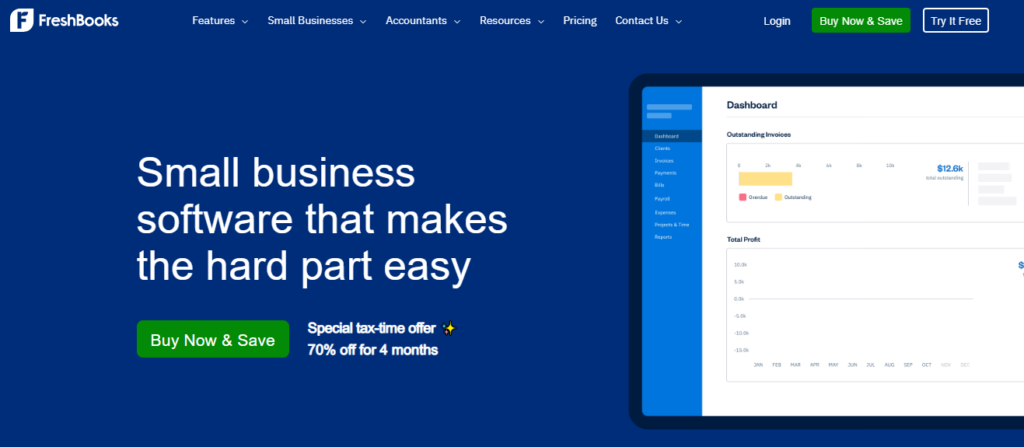
FreshBooks was built specifically with service providers in mind, and that focus shows in every corner of the product. Freelancers, consultants, creative agencies, and contractors will find it refreshingly intuitive. The invoicing engine alone is one of the best in the industry, allowing you to create professional, branded invoices in seconds and set up automatic late payment reminders.
One area where FreshBooks genuinely stands out is time tracking. You can log billable hours directly inside the app and attach them to client invoices with a single click. For project-based businesses that bill by the hour, this feature alone can pay for the subscription. The client portal lets customers view invoices, make payments, and communicate, which cuts down on back-and-forth email chains.
FreshBooks also handles double-entry accounting in a way that does not intimidate non-accountants. The interface is clean, the workflows feel logical, and new users rarely need a training session to get started.
Key Features
- Professional invoicing with automated payment reminders and retainer billing
- Built-in time tracking that converts logged hours directly to client invoices
- Project management tools with team collaboration and deadline tracking
- Client portal for transparent invoice viewing, messaging, and online payments
- Expense management with receipt scanning via mobile camera
- Double-entry accounting with accurate financial reporting for tax season
Pros
- ✅ Exceptionally clean and beginner-friendly interface
- ✅ Best-in-class invoicing and time tracking combination
- ✅ Client portal reduces invoice disputes and speeds up payments
- ✅ Strong mobile app for field-based service professionals
- ✅ Responsive customer support with live chat and phone options
Cons
- ❌ Client limits on lower-tier plans can be restrictive for growing agencies
- ❌ Not ideal for product-based businesses that need inventory management
- ❌ Payroll is only available through a third-party integration (Gusto)
- ❌ Reporting is less comprehensive compared to QuickBooks Online
🎯 Best For: Freelancers, independent contractors, marketing agencies, and any service business that bills clients by the hour or by project.
3. Xero – Best for Growing Businesses That Need Unlimited Users
Xero is the global challenger to QuickBooks Online, and in several key areas, it genuinely wins. The biggest differentiator is its unlimited-user policy on all plans. While QuickBooks charges per seat, Xero lets you add your entire team, bookkeeper, and accountant without a penny more. For businesses with multiple stakeholders who need accounting access, this can be a significant cost saver.
Beyond pricing structure, Xero impresses with its integration ecosystem. Over 1,000 third-party apps connect to Xero, including payroll providers, project management tools, and industry-specific software. The bank reconciliation engine is particularly fast, using smart suggestions to match transactions in bulk within seconds.
Xero is also a top pick internationally due to its support for multiple currencies and local tax rules across 180 countries. If your small business sells to international clients or operates across borders, Xero handles currency conversion and reporting with minimal friction.
Key Features
- Unlimited users on every plan, ideal for collaborative teams and accountants
- 1,000+ app integrations across payroll, inventory, CRM, and ecommerce
- Multi-currency support with automatic exchange rate updates across 160 currencies
- Smart bank reconciliation with AI-powered suggested matches
- Accounts payable and purchase order management for streamlined procurement
- Real-time financial dashboard with cash flow summaries and key metrics
Pros
- ✅ Unlimited users is a major advantage over QuickBooks for team-based businesses
- ✅ Massive third-party ecosystem with 1,000+ integrations
- ✅ Excellent multi-currency and international tax support
- ✅ Clean, modern UI that non-accountants find accessible
- ✅ Competitive pricing relative to feature depth
Cons
- ❌ No built-in payroll in all regions; requires add-on or third-party integration
- ❌ Phone support is not available; limited to email and community forum
- ❌ Learning curve exists for users migrating from other platforms
- ❌ Some advanced reporting requires a Xero Analytics Plus add-on at extra cost
🎯 Best For: Growing SMBs with multiple team members, international sales, or businesses that work closely with outside accountants and bookkeepers.
4. Wave Accounting – Best Free Accounting Software for Startups
Wave is the most compelling option for bootstrapped startups, solopreneurs, and micro-businesses that need functional accounting software without a monthly subscription. Its core features, including income and expense tracking, invoicing, and financial reporting, are completely free, with no hidden transaction limits or time-based trials.
If you are searching for the best free accounting software, Wave stands in a class of its own. Unlike stripped-down free tiers that push you toward paid plans immediately, Wave’s free tools are genuinely usable for real business operations, not just demos.
Revenue is generated through payment processing fees and optional paid add-ons like payroll and bookkeeping support. This model keeps the core software free indefinitely, which is a clear win for cost-conscious business owners in their early growth stages.
Key Features
- Completely free accounting, invoicing, and expense tracking with no usage caps
- Unlimited income and expense tracking with automatic bank feed connections
- Professional invoicing with custom branding and payment acceptance
- Double-entry accounting engine that generates accurate financial statements
- Receipt scanning via mobile app for on-the-go expense capture
- Optional paid add-ons: Wave Payroll and Wave Advisor for bookkeeping support
Pros
- ✅ Core accounting features are genuinely free with no expiration
- ✅ Clean, simple interface that requires no accounting background
- ✅ Handles multiple businesses under a single account at no extra charge
- ✅ Solid bank connection and automatic transaction import
- ✅ Great starting point for freelancers before upgrading to paid tools
Cons
- ❌ Lacks inventory management, project tracking, and time billing features
- ❌ Customer support for free users is limited to community forums and chatbots
- ❌ Payment processing fees are slightly higher than some competitors
- ❌ Not suitable for businesses with complex accounting needs or high transaction volumes
🎯 Best For: Solo entrepreneurs, micro-businesses, early-stage startups, and any owner looking for solid free accounting software before investing in a paid platform.
5. Zoho Books – Best Value Accounting Software for Budget-Conscious SMBs
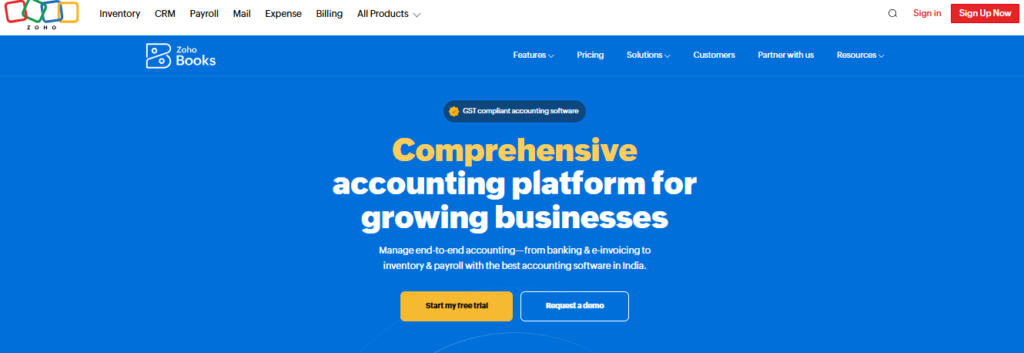
Zoho Books offers one of the strongest feature-to-price ratios in the small business accounting market. At every pricing tier, you get more functionality than most competitors charge significantly more for. Zoho Books includes automated workflows, client portals, project billing, and robust GST and VAT compliance, making it particularly well-suited for businesses in India, the UK, and other VAT-registered regions.
The automation engine inside Zoho Books is genuinely impressive. You can set up rules to automatically categorize expenses, send payment reminders, apply late fees, and generate recurring invoices without any manual intervention. For time-strapped business owners, these automations can collectively save several hours each week.
Another major advantage is the Zoho ecosystem. If your business already uses Zoho CRM, Zoho Projects, or other Zoho apps, Books integrates with them natively, creating a seamless flow of data between sales, projects, and finance without requiring expensive middleware.
Key Features
- Workflow automation for recurring invoices, payment reminders, and expense rules
- Client portal for invoice sharing, payment collection, and project communication
- GST, VAT, and multi-tax compliance built into the billing and reporting engine
- Project and time billing with billable expense tracking per client or project
- Multi-currency with automatic exchange rate updates and foreign tax handling
- Native integration with 40+ Zoho apps and 50+ third-party tools
Pros
- ✅ Exceptional value with features rivals charge twice as much to include
- ✅ Best-in-class automation reduces repetitive bookkeeping tasks
- ✅ Excellent GST/VAT compliance for international and Indian businesses
- ✅ Free plan available for businesses under a revenue threshold
- ✅ Seamless with other Zoho tools if already in that ecosystem
Cons
- ❌ Interface can feel complex for first-time users unfamiliar with the Zoho suite
- ❌ Third-party integrations outside the Zoho ecosystem are more limited than QuickBooks
- ❌ U.S.-based payroll is not natively included and requires a third-party add-on
- ❌ Support response times can vary depending on your plan tier
🎯 Best For: Budget-conscious small business owners, international businesses needing VAT/GST compliance, and Zoho suite users looking to unify their finance and operations stack.
6. Sage 50cloud – Best for Desktop-First Small Businesses
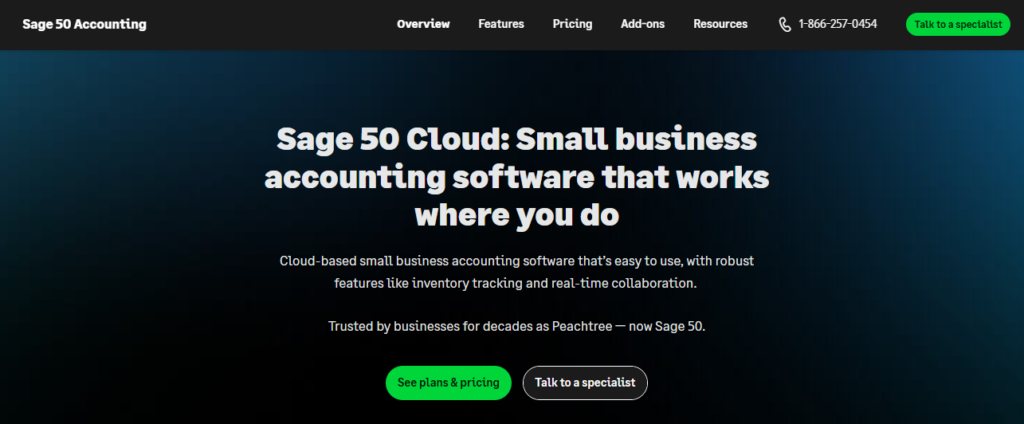
Sage 50cloud (formerly Peachtree) is the go-to choice for small businesses that want the power and reliability of desktop accounting software backed by cloud storage and remote access. Unlike purely cloud-based tools, Sage 50cloud processes data locally on your computer, which means faster performance, offline functionality, and no dependence on internet speed for day-to-day operations.
For industries that deal with complex inventory, job costing, or industry-specific reporting, Sage 50cloud offers a level of depth that cloud-only tools rarely match at this price point. The manufacturing cost tracking, serialized inventory management, and detailed audit trail features are standouts for product-heavy businesses.
Sage 50cloud is also a strong recommendation for those in professional services looking for accounting software with audit-grade accuracy.
Key Features
- Robust desktop engine with Microsoft 365 integration and cloud file backup
- Advanced inventory management including serialized tracking and assembly builds
- Job costing and project profitability reporting for construction and manufacturing
- Strong audit trail with user access controls and permission management
- Payroll processing with tax calculations and direct deposit support
- Industry-specific reports for construction, manufacturing, and distribution
Pros
- ✅ Desktop performance is faster and more reliable than browser-based tools
- ✅ Deep inventory and job costing features competitors lack
- ✅ Excellent audit trail for compliance-heavy industries
- ✅ Works offline without any connectivity issues
- ✅ Long-established platform with a large base of experienced accountants
Cons
- ❌ Desktop-first model means setup requires installation and local hardware resources
- ❌ Less polished UI compared to modern cloud-native competitors
- ❌ Annual pricing model feels rigid compared to month-to-month cloud subscriptions
- ❌ Mobile capabilities are limited compared to fully cloud-based alternatives
🎯 Best For: Product-based small businesses, manufacturers, construction companies, and any SMB that requires deep inventory tracking, job costing, or offline-capable accounting.
7. Bench – Best Managed Bookkeeping Service for Busy Owners
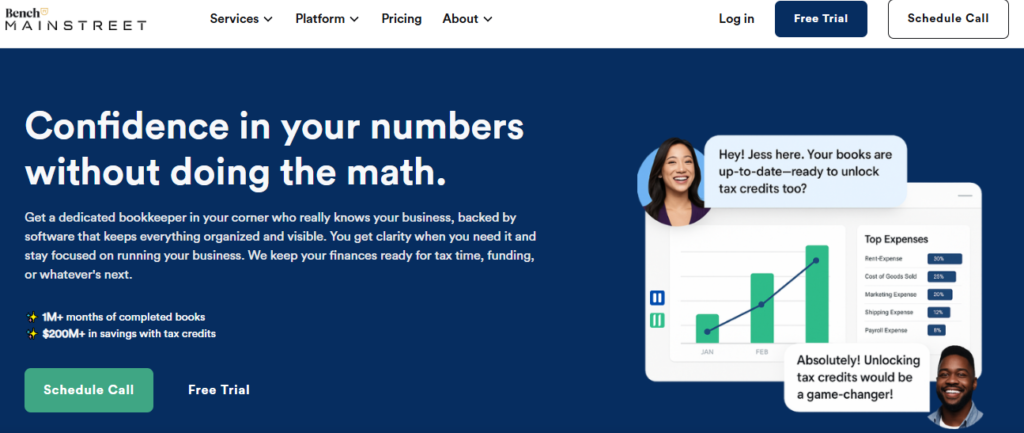
Bench takes a completely different approach from every other tool on this list. Instead of giving you accounting software and expecting you to do your own books, Bench pairs you with a dedicated team of human bookkeepers who do your monthly bookkeeping for you. The Bench software dashboard shows you clean, organized financials, but the real product is the service behind it.
For business owners who find accounting genuinely confusing, dislike doing their own books, or simply do not have time, Bench removes the burden almost entirely. Your bookkeeping team connects to your bank and credit card accounts, categorizes every transaction, and delivers accurate monthly financial statements you can actually read and understand.
Bench also includes tax preparation services as an optional add-on, making it possible to have your entire accounting and tax cycle managed in one place. This is a compelling proposition for solo founders and small teams who want professional-grade financials without hiring a full-time bookkeeper.
Key Features
- Dedicated human bookkeeping team that reconciles accounts every month
- Clean software dashboard showing income, expenses, and real-time cash position
- Unlimited messaging with your bookkeeping team through the app
- Historical bookkeeping catch-up if you are behind on months or years of records
- Year-end financial package and optional tax filing services
- Business checking account option through Bench’s banking partner
Pros
- ✅ Zero bookkeeping work required from the business owner
- ✅ Real human experts who understand your specific business context
- ✅ Clean, readable financial dashboards built for non-accountants
- ✅ Historical catch-up service helps businesses that are months behind
- ✅ Strong customer satisfaction scores and responsive support team
Cons
- ❌ Significantly more expensive than DIY accounting software solutions
- ❌ Less flexibility if you want hands-on control over your own bookkeeping
- ❌ Limited integrations compared to standalone accounting platforms
- ❌ Not designed for product inventory, manufacturing, or complex cost accounting
🎯 Best For: Time-strapped small business owners, solo founders, and entrepreneurs who want professional bookkeeping without doing it themselves and are willing to pay a premium for that convenience.
8. Patriot Software – Best for Payroll-Focused Small Businesses
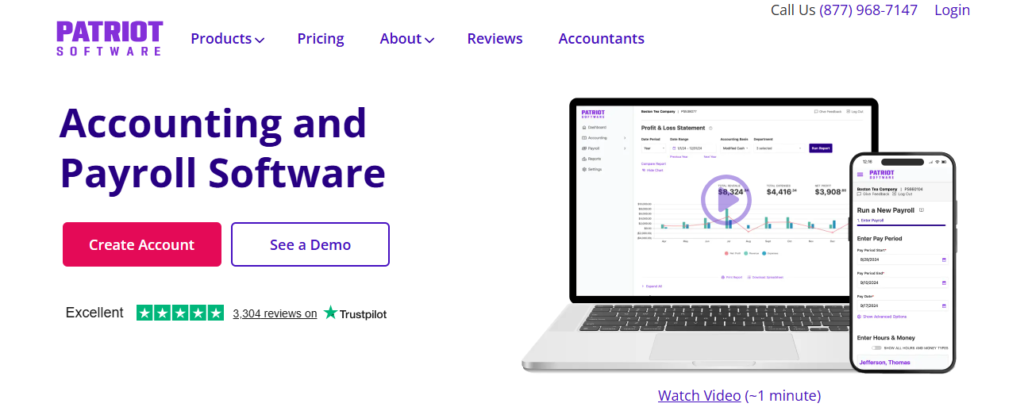
Patriot Software is a strong but often overlooked contender in the small business accounting space, particularly for businesses where payroll is the financial priority. Its payroll module is highly rated for accuracy, ease of use, and affordability, and the accounting software integrates with it seamlessly, eliminating double entry between payroll and general ledger.
For small businesses with W-2 employees or contractors, Patriot offers a surprisingly affordable bundle of payroll and accounting that undercuts larger competitors like QuickBooks by a significant margin. The platform also handles federal and state payroll tax filings automatically, removing one of the most stressful compliance burdens for small employers.
The interface is deliberately simple and unintimidating. Patriot strips away the features that confuse beginners and focuses on what matters most: tracking income and expenses, running payroll accurately, and staying tax-compliant. That simplicity is a genuine selling point, not a weakness.
Key Features
- Full-service payroll with automatic federal and state tax filing and deposits
- Accounting module with income, expense, and cash flow tracking
- Contractor and W-2 employee support with 1099 and W-2 form generation
- Free setup assistance and free expert customer support by phone and chat
- Employee self-service portal for pay stubs, W-2s, and time-off requests
- Time and attendance module available as an add-on for hourly workforce management
Pros
- ✅ Exceptionally affordable payroll and accounting bundle for small employers
- ✅ Free phone and chat support is a standout for a low-cost platform
- ✅ Automatic payroll tax filing removes compliance stress for employers
- ✅ Clean, simple interface that works well for non-accountants
- ✅ Strong reputation for accuracy and reliable payroll processing
Cons
- ❌ Accounting features are basic compared to QuickBooks or Xero
- ❌ No built-in invoicing module in the base accounting plan
- ❌ Limited third-party integrations outside of the Patriot product suite
- ❌ Not suitable for businesses with inventory management or project billing needs
🎯 Best For: Small businesses with employees or contractors who need reliable, affordable payroll processing tightly integrated with their accounting, without the cost of a larger platform.
9. Kashoo – Best Ultra-Simple Accounting for Micro-Businesses
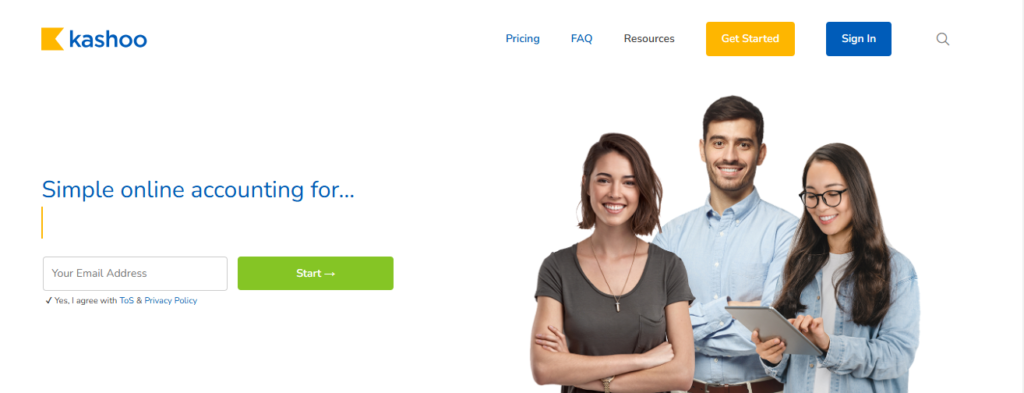
Kashoo is designed for the business owner who wants to understand their finances without spending hours inside an accounting app. The platform prioritizes speed and simplicity above all else. You can connect your bank account, and Kashoo uses machine learning to automatically categorize transactions with impressive accuracy, often requiring minimal manual correction.
The standout feature of Kashoo is its TrulySmall Accounting plan, which is built for solopreneurs and micro-businesses that only need the basics: income, expenses, and a clean picture of profitability. There are no confusing menus or features you will never use. What you see is exactly what you need.
Kashoo is worth exploring for best accounting software seekers as well, since some nonprofits operate with minimal transaction volume and fund tracking that Kashoo handles cleanly. For more specialized nonprofit needs, though, a dedicated platform may be a better long-term fit.
Key Features
- AI-powered automatic transaction categorization with learning over time
- Simple income and expense dashboard for instant profitability overview
- Multi-currency support for businesses with international income streams
- Smart receipt scanning and digital expense capture via mobile
- Basic financial reports including P&L, balance sheet, and account summaries
- Simple invoicing with online payment acceptance and client tracking
Pros
- ✅ Fastest setup of any tool on this list, often under 15 minutes
- ✅ AI categorization reduces the time spent on manual data entry
- ✅ Extremely clean and clutter-free interface
- ✅ Affordable pricing with a very capable entry-level plan
- ✅ Strong mobile experience for on-the-go financial management
Cons
- ❌ Lacks advanced features like inventory, job costing, or project management
- ❌ Integration library is limited compared to QuickBooks or Xero
- ❌ Not a fit for businesses that need payroll built into their accounting tool
- ❌ Reporting depth is limited for businesses with complex financial reporting needs
🎯 Best For: Solopreneurs, micro-businesses, and side hustle owners who want the simplest possible accounting experience with minimal learning curve and maximum automation.
Comparison Table: Best Small Business Accounting Software at a Glance
Use this quick-reference table to compare all nine tools side by side before making your final decision.
| Tool Name | Best For | Key Strength | Integrations | Ease of Use | Platform Type |
|---|---|---|---|---|---|
| QuickBooks Online | All-size SMBs | All-in-one features | 750+ apps | Moderate | Cloud |
| FreshBooks | Freelancers, agencies | Invoicing + time tracking | 100+ apps | Very Easy | Cloud |
| Xero | Growing businesses | Unlimited users | 1000+ apps | Moderate | Cloud |
| Wave Accounting | Bootstrapped startups | Free core features | Limited | Easy | Cloud (Free) |
| Zoho Books | Budget-conscious SMBs | Automation + GST/VAT | Zoho suite + 50+ | Easy | Cloud |
| Sage 50cloud | Desktop-first businesses | Robust desktop + cloud sync | Sage marketplace | Moderate | Desktop + Cloud |
| Bench | Busy owners, no CPA | Human bookkeeping + software | Limited | Very Easy | Managed Service |
| Patriot Software | Payroll-focused SMBs | Payroll + accounting bundle | Limited | Easy | Cloud |
| Kashoo | Micro-businesses, solopreneurs | Ultra-simple setup | 50+ | Very Easy | Cloud |
Final Verdict
If you need a full-featured, scalable solution, QuickBooks Online remains the default recommendation for most small businesses. Xero is the better choice for international teams and those with multiple users. FreshBooks wins for service-based freelancers, while Wave is the standout pick if budget is the primary concern. For managed hands-off bookkeeping, Bench is in a category of its own.
To explore more in-depth comparisons like this, visit TheListify, where we regularly publish expert-curated lists of the best tools and software for businesses across various industries. Whether you’re searching for Best CRM Tools, Best Project Management Software, marketing tools, or productivity solutions, our detailed guides help you make informed decisions faster.
Frequently Asked Questions
What is the best accounting software for small business in 2026?
The best accounting software for small business in 2026 depends on your needs. QuickBooks is best for full features, Xero for automation, and Zoho Books for affordability.
Which accounting software is best for small businesses with no experience?
FreshBooks and Wave are great choices for beginners. They offer simple dashboards, easy invoicing, and minimal setup, making them ideal for non-accountants.
What is the best free accounting software for small business?
Wave is widely considered the best free accounting software for small business. It includes invoicing, expense tracking, and basic reporting at no cost.
What features should I look for in small business accounting software?
You should look for features like expense tracking, invoicing, bank integration, financial reporting, tax support, and automation to save time and reduce errors.
Is cloud-based accounting software better for small businesses?
Yes, cloud-based accounting software is better for most small businesses because it allows real-time access, automatic updates, and easier collaboration with accountants.
What is the best accounting software for small law firms?
The best accounting software for small law firms includes tools with trust accounting and compliance features. QuickBooks with legal add-ons or specialized legal accounting software works well.