

When selecting the best construction accounting software in 2026, it is crucial to ensure that the platform integrates seamlessly with your payroll provider, bank feeds, and existing field tools. Research indicates that contractors who align software complexity with their company size experience fewer billing errors and expedited month-end close cycles.
What Is Construction Accounting Software?
Construction accounting software is a specialized type of financial management tool designed to handle the unique billing and cost structures of construction projects. Unlike standard accounting platforms built for retail or service businesses, construction accounting software tracks costs by job, phase, and cost code instead of just by account.
That distinction matters because construction work runs on project-based revenue recognition, not flat monthly billing. A good construction accounting platform typically includes:
- Job costing that tracks labor, materials, equipment, and subcontractor costs against a job budget in real time
- Work-in-progress (WIP) reporting so you know your true percentage of completion and earned revenue on every job
- Retainage tracking for the portion of payment clients hold back until project completion
- Certified payroll and prevailing wage reporting for government and public works contracts
- AIA-style progress billing that ties invoices to actual work completed
- Change order management so scope changes flow straight into job costs instead of getting lost in email threads
If your current setup cannot answer “what is my actual profit on Job 214 right now,” it is probably time to move to a platform built for contractors. This is also worth pairing with tools contractors use for scheduling and field coordination, including open source project management software, since job costing accuracy depends heavily on accurate field data flowing back to the office.
Top 6 Best Construction Accounting Software for 2026
1. Foundation Software
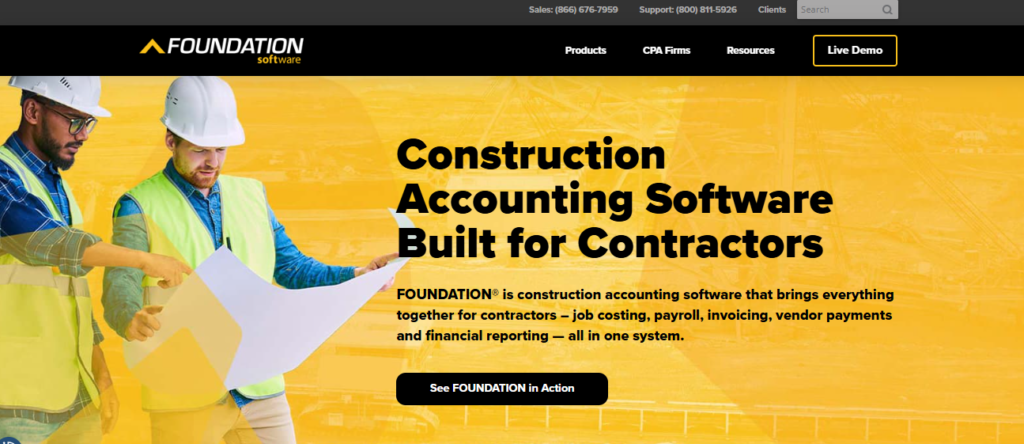
Foundation Software has built its entire reputation around one thing: construction-specific accounting that does not require an enterprise IT department to run. It ranks near the top of this list because it delivers the job costing depth of much pricier ERP platforms while staying accessible to mid-market contractors with $2 million to $50 million in annual revenue.
What sets Foundation apart is how tightly its job costing module ties into payroll and compliance. Certified payroll, multi-state tax rules, and union reporting are handled natively instead of bolted on as an afterthought. CPAs who specialize in construction consistently point to Foundation as one of the more advanced products on the market from a financial-control standpoint, which matters if your bonding company or bank asks to see clean WIP schedules.
Foundation is best for general contractors and specialty trade contractors who have outgrown QuickBooks but are not ready for the six-figure investment and year-long rollout that comes with Sage 300 CRE or CMiC. It gives you real construction accounting muscle without the enterprise overhead.
✅ Key Features
- Job costing with unlimited cost codes and phase-level budget tracking against actuals
- Certified payroll processing across all 50 states with built-in prevailing wage compliance
- Work-in-progress (WIP) reporting that calculates percentage of completion automatically
- Equipment cost tracking that allocates fuel, maintenance, and depreciation to specific jobs
- Document imaging that attaches invoices, lien waivers, and contracts directly to job records
- Payroll module built for union and non-union labor with multi-state tax handling
✅ Pros
- Purpose-built for construction from the ground up, not a general ledger with add-ons
- Strong certified payroll and compliance tools that save hours on public works jobs
- Detailed job costing that supports multi-phase and multi-crew projects
- Responsive customer support with construction-trained representatives
- Scales well for contractors moving from $2M to $50M in revenue
❌ Cons
- Interface feels dated compared to newer cloud-native platforms
- Implementation typically takes four to eight weeks, longer than simple accounting tools
- Reporting customization has a learning curve for non-accountants
- Priced above general small business accounting software, which may not suit very small crews
🎯 Best For: Mid-market general contractors and specialty trade contractors who need serious job costing and certified payroll without enterprise-level cost or complexity.
2. Sage 300 Construction and Real Estate (CRE)
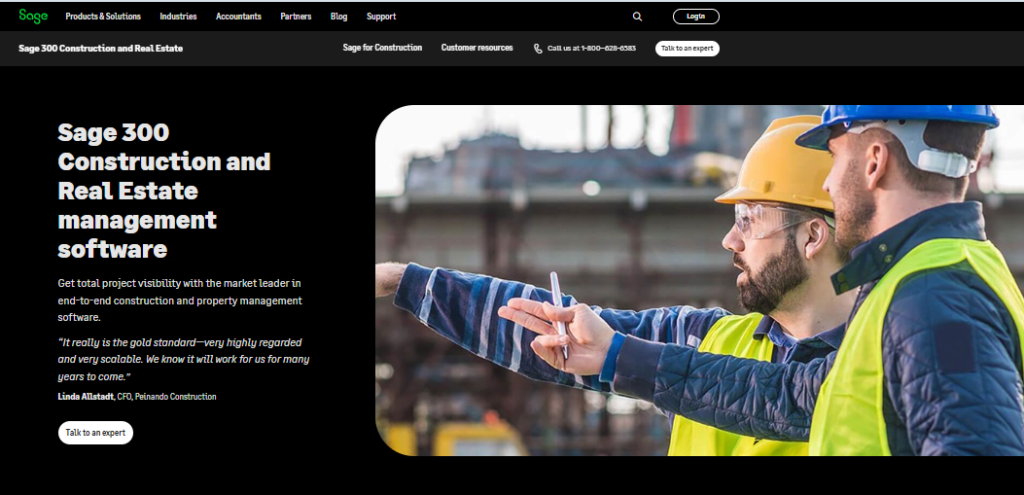
Sage 300 CRE, formerly known as Timberline, has been the benchmark for large-scale construction accounting for decades. It earns its spot on this list because no other platform matches its depth of financial reporting and multi-entity handling for contractors managing complex organizational structures.
The platform brings together general ledger, accounts payable and receivable, billing, cash management, and payroll into one connected system, backed by more than 1,400 prebuilt report formats. That reporting library alone is a major differentiator, since most construction firms eventually need custom financial views for bonding agents, lenders, or ownership groups. Sage 300 CRE also supports property management functions, which makes it a smart choice for contractors who develop and hold properties in addition to building them.
This is the platform for established contractors, typically those doing $25 million or more in annual revenue, who need multi-company consolidation, dedicated IT support, and financial reporting that satisfies auditors and bonding companies without custom workarounds.
✅ Key Features
- Multi-entity accounting that consolidates multiple companies and divisions under one system
- Over 1,400 customizable prebuilt reports covering every angle of job and company performance
- Advanced job costing with detailed budget forecasting and cost-to-complete projections
- Integrated payroll supporting 250+ state and federal forms
- Document management that centralizes drawings, RFIs, invoices, and contracts
- Property management tools for contractors who also manage leased or owned real estate
✅ Pros
- Unmatched reporting depth trusted by CPAs, bonding companies, and lenders
- Handles multi-entity and multi-division accounting better than almost any competitor
- Decades-long track record with a large, established support ecosystem
- Strong fit for firms that also handle property or real estate management
❌ Cons
- Significant implementation timeline, often eight to sixteen weeks or more
- Requires dedicated IT support for configuration and ongoing maintenance
- Interface and navigation feel outdated next to modern cloud platforms
- Pricing is opaque and typically out of reach for small or growing contractors
🎯 Best For: Large, established general contractors and commercial builders with $25M+ in revenue, multiple entities, and complex financial reporting requirements.
3. QuickBooks Enterprise Contractor Edition
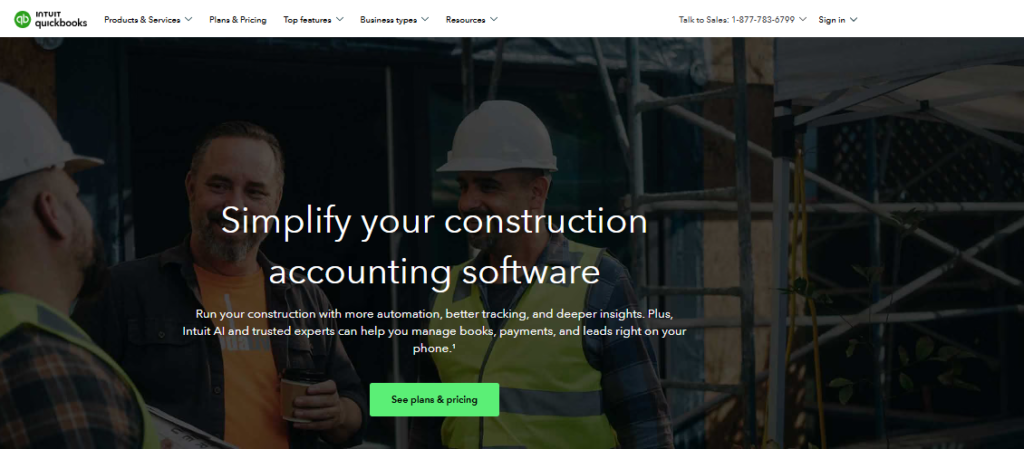
For small contractors and subcontractors who want construction-specific tools without leaving the QuickBooks ecosystem, QuickBooks Enterprise Contractor Edition is the natural next step. It ranks on this list because it solves the single biggest problem with generic bookkeeping software: giving small crews a contractor-specific chart of accounts and real job costing without forcing them onto an unfamiliar platform.
This edition adds job costing reports, change order tracking, and a construction-focused chart of accounts on top of the QuickBooks interface millions of small business owners already know. That familiarity dramatically shortens the learning curve, which matters for owner-operators who are also running crews and cannot afford weeks of training. It is a strong pick if you are searching for the best small construction accounting software rather than a full enterprise system.
The tradeoff is real: firms doing more than roughly $5 million in annual revenue tend to hit walls once they need WIP scheduling, AIA-style progress billing, or certified payroll reporting, none of which come standard here.
✅ Key Features
- Contractor-specific chart of accounts built for job costing from day one
- Job costing reports comparing estimated versus actual costs by project
- Change order tracking that flows into job cost totals
- Progress invoicing tied to completed work and contract milestones
- Integration with payroll add-ons and popular payment processors
- Familiar QuickBooks interface with a fast setup and short learning curve
✅ Pros
- Fastest implementation on this list, typically one to two weeks
- Lower cost of entry than construction-specific enterprise platforms
- Easy for owner-operators and small office staff to learn quickly
- Wide network of QuickBooks-trained bookkeepers and accountants available for support
❌ Cons
- Lacks native WIP reporting, a real gap for growing contractors
- No built-in certified payroll or prevailing wage compliance tools
- Job costing depth falls short once you manage multiple concurrent complex jobs
- Outgrows usefulness quickly past roughly $5M in annual revenue
🎯 Best For: Small construction businesses, solo contractors, and subcontractors doing under $5M in revenue who want construction-flavored accounting without a steep learning curve.
4. Buildertrend
Buildertrend takes a different approach than the other platforms on this list. Instead of leading with accounting depth, it leads with the client-facing and project management workflows that residential builders and remodelers actually live in every day, then wraps financial tools around that experience. It earns a place here because for home builders, that order of priorities is often the right one.
The platform combines job costing budgets with real-time tracking of estimated versus actual versus projected costs, so a remodeler can see margin erosion the moment a change order hits. Client payment tools stand out too, supporting ACH, credit cards, Apple Pay, and Google Pay directly inside the platform, which speeds up collections on residential jobs where cash flow timing is everything. Teams using Buildertrend report meaningful savings on change order costs, largely because scope changes get documented and priced immediately instead of after the fact according to internal customer surveys.
Buildertrend integrates with QuickBooks and Xero rather than replacing them outright, so most builders pair it with a lighter accounting backend while using Buildertrend for the operational and client-facing layer.
✅ Key Features
- Job costing budgets with live estimated vs. actual vs. projected cost tracking
- Client payment processing through ACH, credit card, Apple Pay, and Google Pay
- CRM integrations with HubSpot, Salesforce, and Pipedrive plus 20+ additional tool integrations
- Change order workflows that update job costs and client-facing budgets instantly
- Client communication portal for selections, schedules, and daily job site updates
- Direct integration with QuickBooks and Xero for core bookkeeping
✅ Pros
- Exceptional client communication and payment collection tools for residential work
- Fast, visible change order tracking that protects margins
- Strong CRM and scheduling integrations for growing builder businesses
- Modern, cloud-native interface that is easy for field teams to adopt
❌ Cons
- Job costing and accounting depth are lighter than dedicated construction accounting platforms
- Per-user pricing can climb quickly for larger teams
- Not built for large commercial or multi-entity contractors
- Requires pairing with QuickBooks or Xero for full-featured bookkeeping
🎯 Best For: Residential builders, remodelers, and design-build firms that prioritize client communication and payment collection alongside job costing.
5. Procore Financial Management
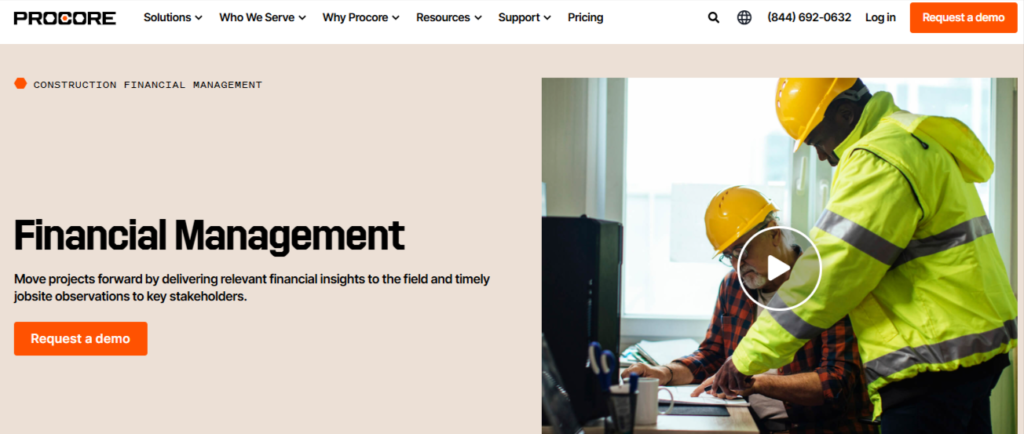
Procore built its name as a construction project management hub, and its financial management module extends that same philosophy into accounting. It makes this list because it solves a problem the pure accounting platforms cannot: connecting field decisions like RFIs, submittals, and change orders directly to budget and commitment tracking in real time.
Where Procore shines is in commitment-based cost control. Every subcontract, purchase order, and change event updates budget-to-actual figures instantly, so project managers and finance teams are always looking at the same numbers instead of reconciling two disconnected systems weeks later. That real-time link between field activity and financial reporting is a genuine differentiator for general contractors juggling multiple active jobs with heavy subcontractor involvement.
Procore is not a standalone general ledger replacement for every firm, and many contractors still connect it to a separate accounting system for tax and compliance reporting. But for firms whose biggest pain point is disconnected field and office numbers, it closes that gap better than almost anything else on the market.
✅ Key Features
- Real-time budget-to-actual tracking tied directly to commitments and purchase orders
- Change event workflows that update job costs the moment scope changes are approved
- Subcontractor and vendor portals for direct invoice submission and approval routing
- Integrated document control linking RFIs, submittals, and drawings to cost impact
- Robust reporting dashboards for project managers and executive-level visibility
- Broad integration ecosystem connecting to accounting systems like Sage and QuickBooks
✅ Pros
- Best-in-class connection between field activity and financial data
- Strong collaboration tools for owners, architects, subcontractors, and internal teams
- Scales well across multiple concurrent commercial projects
- Extensive third-party integration options for accounting and payroll
❌ Cons
- Not a full replacement for a dedicated general ledger and tax-compliant accounting system
- Pricing sits at the higher end, especially for smaller contractors
- Full value requires disciplined field-level data entry from project teams
- Onboarding and configuration take real time investment to get right
🎯 Best For: Commercial general contractors managing multiple active projects who need field activity and financial data connected in real time.
6. Deltek ComputerEase
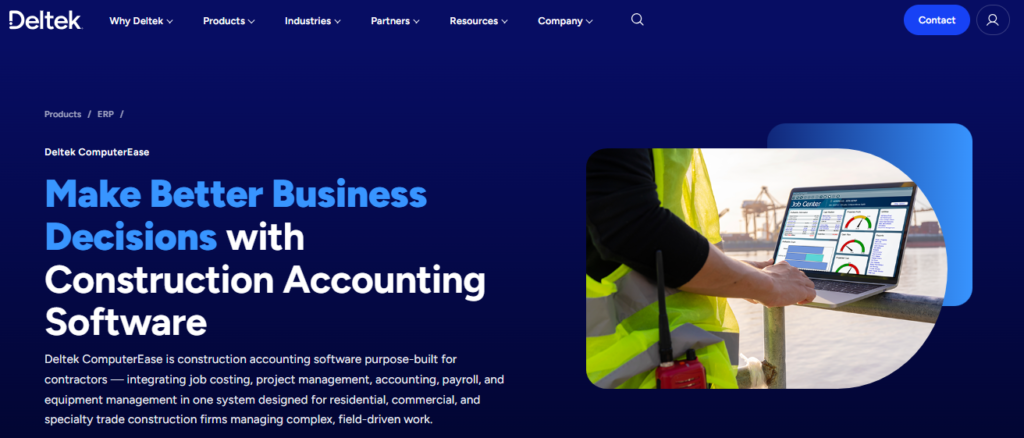
Deltek ComputerEase earns its place on this list for one specific reason: it is arguably the most precise platform available for certified payroll and job-cost accounting across all 50 states. For contractors who regularly bid public works or government contracts, that specialization is not a nice-to-have, it is the deciding factor.
The platform automates certified payroll reporting on a state-by-state basis, handling the wage determinations, fringe benefit calculations, and reporting formats that vary from jurisdiction to jurisdiction. That level of compliance automation removes one of the most time-consuming and error-prone tasks in construction back-office work. Job costing is tightly integrated with payroll, so labor burden flows accurately into job costs without manual reallocation.
ComputerEase also carries one of the more accessible entry costs among true construction-specific accounting platforms, making it a realistic option for mid-sized contractors who need compliance-grade payroll without paying enterprise ERP pricing.
✅ Key Features
- Automated certified payroll reporting across all 50 states with wage determination handling
- Tight integration between payroll labor burden and job cost allocation
- Union and prevailing wage support with fringe benefit tracking
- Accounts payable and receivable modules built around construction billing cycles
- Equipment costing tied to job-level utilization and maintenance tracking
- Mobile time entry for field crews that feeds directly into job costing
✅ Pros
- Among the most precise certified payroll tools available for public works contractors
- Lower entry cost compared to Sage 300 CRE or CMiC
- Strong job cost and labor burden accuracy for multi-state operations
- Solid fit for mechanical, electrical, and specialty trade contractors
❌ Cons
- Interface is less modern than cloud-native competitors like Buildertrend or Procore
- Best suited to contractors with real certified payroll needs, overkill for purely private work
- Reporting customization requires some training to master
- Smaller integration ecosystem compared to Procore or QuickBooks
🎯 Best For: Mechanical, electrical, and specialty trade contractors who regularly bid public works projects requiring certified payroll compliance.
Comparison Table: Best Construction Accounting Software 2026
| Tool Name | Best For | Key Strength | Integrations | Ease of Use | Platform Type |
|---|---|---|---|---|---|
| Foundation Software | Mid-market general contractors | Job costing + certified payroll | QuickBooks, payroll add-ons | Moderate | Cloud and on-premise |
| Sage 300 CRE | Large enterprise contractors | Reporting depth, multi-entity | Sage ecosystem, CRM tools | Moderate to complex | On-premise, cloud-hosted |
| QuickBooks Enterprise Contractor Edition | Small construction businesses | Familiar interface, fast setup | Payroll add-ons, payment processors | Easy | Desktop and cloud |
| Buildertrend | Residential builders and remodelers | Client billing and change orders | QuickBooks, Xero, CRM tools | Easy | Cloud-based |
| Procore Financial Management | Commercial GCs with heavy subcontracting | Real-time field-to-finance link | Sage, QuickBooks, many others | Moderate | Cloud-based |
| Deltek ComputerEase | Public works and trade contractors | Certified payroll compliance | Payroll, AP/AR modules | Moderate | Cloud-based |
Final Verdict
There is no single best construction accounting software for every contractor, and treating this as a one-size-fits-all decision is how firms end up switching platforms twice in three years. If you run a mid-market general contracting business, Foundation Software gives you the strongest balance of job costing depth and manageable cost. If you are managing a large, complex commercial operation, Sage 300 CRE remains the industry standard for reporting and multi-entity control. Small crews and solo contractors are usually better served by QuickBooks Enterprise Contractor Edition, while residential builders should look hard at Buildertrend for its client-facing strengths. Commercial GCs juggling heavy subcontractor networks benefit most from Procore, and specialty trades bidding public work should prioritize Deltek ComputerEase for its certified payroll precision.
Buying Guide: How to Choose the Right Construction Accounting Software
Picking the right platform comes down to matching software capability to where your business actually is today, not where you hope to be in five years. Here is what to weigh before you commit.
Company size and annual revenue. Contractors under $5 million generally do not need the complexity of Sage 300 CRE or CMiC. Firms above $25 million typically outgrow lighter tools like QuickBooks Contractor Edition fairly quickly.
Job costing depth you actually need. If you run multiple concurrent jobs with subcontractors, complex change orders, and multi-phase billing, prioritize platforms with strong WIP reporting and cost-code granularity.
Certified payroll and compliance requirements. If you bid public works or government contracts, certified payroll automation should be a non-negotiable requirement, not an afterthought.
Residential vs. commercial workflow. Residential builders benefit more from client communication and payment tools, while commercial GCs benefit more from budget-to-commitment tracking and subcontractor management.
Implementation timeline and internal resources. Enterprise platforms can take three to twelve months to fully implement. Smaller firms without dedicated IT support should weigh that cost carefully against the features gained.
Integration with existing tools. Check whether the platform connects cleanly with your payroll provider, your bank feeds, and any field tools your crews already use.
According to industry research on construction technology adoption, contractors who properly match software complexity to company size report significantly fewer billing errors and faster month-end close cycles than those who either under-invest or over-invest in their accounting stack.
To explore more in-depth comparisons like this, visit TheListify, where we regularly publish expert-curated lists of the best tools and software for businesses across various industries. Whether you’re searching for Best CRM Tools, Best Accounting Software, Best Recruiting Software, Best Project Management Software, Best marketing tools, or productivity solutions, our detailed guides help you make informed decisions faster.