
Running a small business in 2026 means competing with brands that have bigger budgets, larger teams, and more resources. But the gap is closing fast, and the best marketing tools for small business owners are a big reason why. With the right software, even a solo founder can run targeted email campaigns, track SEO rankings, schedule social posts, and analyze customer behavior, all without hiring a single specialist.
The challenge is not finding tools. It is finding the right ones. There are hundreds of platforms out there, and many of them are either too complex, too expensive, or just not built for growing businesses. That is why we put together this guide.
We analyzed the top SERP competitors, reviewed thousands of user ratings across G2 and Capterra, and tested these platforms firsthand. The result is a focused, no-fluff list of the 9 best marketing tools for small businesses in 2026 that can genuinely move the needle for your growth.
According to recent data from Statista, digital advertising spending by small businesses continues to grow year over year, making efficient marketing tools more important than ever for staying competitive without overspending.
9 Best Marketing Tools for Small Business in 2026
1. HubSpot Marketing Hub – All-in-One CRM and Marketing Platform
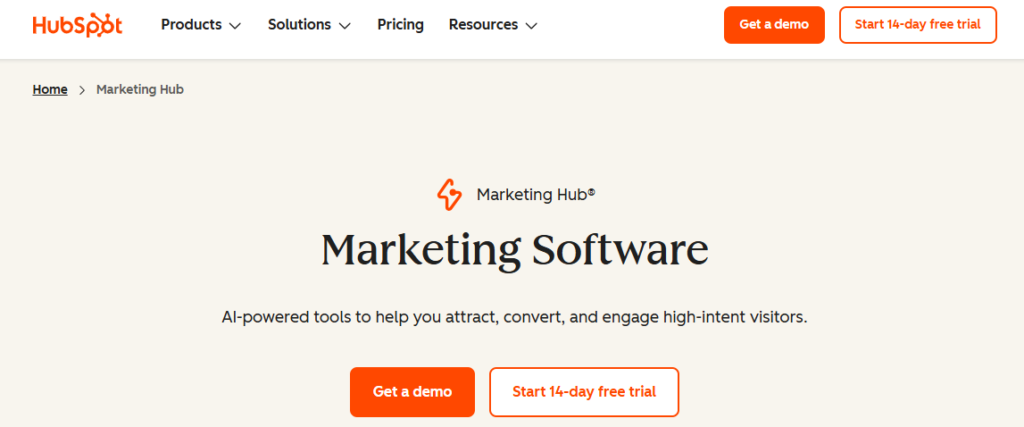
HubSpot is easily one of the most recognized names when it comes to the best marketing tools for growing business, and for good reason. It brings CRM, email marketing, landing pages, social media scheduling, live chat, and analytics under one roof. For small teams that want to stop bouncing between five different apps, HubSpot acts as the connective tissue that holds the whole operation together.
What sets HubSpot apart from competitors like Salesforce or Zoho is its free CRM tier. You can get started at zero cost and only upgrade when your needs genuinely demand it. The platform also launched HubSpot Breeze in 2026, a native AI layer that automates content generation for landing pages, writes email subject lines, and scores leads, so your team spends less time on manual tasks and more time closing deals.
It is the go-to pick for small businesses that plan to scale. As your contact list grows and your campaigns become more complex, HubSpot scales right alongside you without forcing a platform migration.
Key Features
- Free CRM with full contact, deal, and pipeline management
- HubSpot Breeze AI for automated content, email, and lead scoring
- Drag-and-drop email builder with behavioral triggers and segmentation
- Landing page builder with A/B testing and conversion analytics
- Social media scheduler with engagement tracking across platforms
- Marketing automation workflows with visual builder for any funnel stage
Pros
- Free plan is genuinely powerful and usable for early-stage businesses
- All tools are natively integrated, reducing data silos
- Excellent onboarding resources, tutorials, and HubSpot Academy
- AI tools are built in, not bolted on
- Scales smoothly from startup to enterprise without platform changes
Cons
- Paid plans get expensive quickly, especially for growing contact lists
- Advanced automation features are locked behind higher-tier plans
- Can feel like overkill for businesses with simple marketing needs
- Reporting customization is limited on lower plans
Best For: Small businesses and startups planning for long-term growth that want a single platform covering CRM, email, and marketing automation.
2. Mailchimp – The Smartest Email Marketing Platform for Small Teams
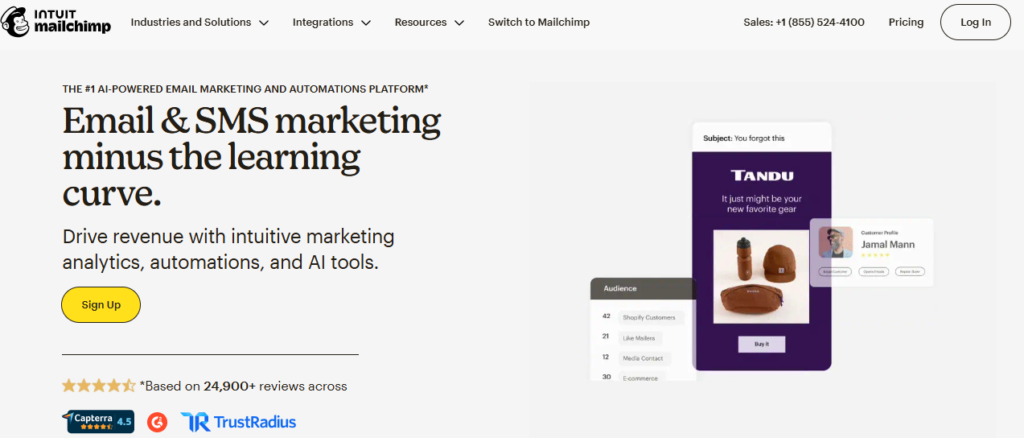
When people think about the best small business marketing tools for email, Mailchimp is almost always the first name that comes up. And in 2026, it has evolved far beyond basic newsletters. Mailchimp is now a full marketing platform that combines email, SMS, postcards, social ads, and website building under one dashboard.
The standout new feature is Intuit Assist, Mailchimp’s AI engine that generates email copy, suggests subject lines, recommends send times based on your audience behavior, and even automates basic graphic design. For small businesses without a dedicated copywriter or designer, this is a genuine time-saver.
The free plan remains one of the most generous in the industry, making it a solid starting point for any business owner putting together their first marketing stack. If you are new to email marketing or looking for one of the best online marketing tools for small business that gets you results fast, Mailchimp delivers.
Key Features
- Drag-and-drop email builder with 100+ responsive, pre-built templates
- Intuit Assist AI for subject lines, copy generation, and send-time optimization
- Audience segmentation by behavior, location, purchase history, and more
- Marketing automation for welcome sequences, cart abandonment, and re-engagement
- Multivariate A/B testing for subject lines, content, and send times
- Social media ad integration with Facebook and Instagram
Pros
- Free tier supports up to 500 contacts and 1,000 emails per month
- Extremely beginner-friendly with guided setup and templates
- Integrates with 300+ third-party platforms including Shopify and WooCommerce
- Detailed campaign analytics and audience insights dashboard
- Mobile app available for on-the-go campaign monitoring
Cons
- Pricing scales quickly as your contact list grows past the free limit
- Charges for unsubscribed contacts, which inflates costs unfairly
- Automation is less flexible compared to ActiveCampaign at similar price points
- Some advanced features like predictive segmentation require paid upgrades
Best For: E-commerce brands, content creators, and small businesses that want powerful email marketing with minimal setup and a beginner-friendly experience.
3. Semrush – The Gold Standard SEO Tool for Small Business Growth
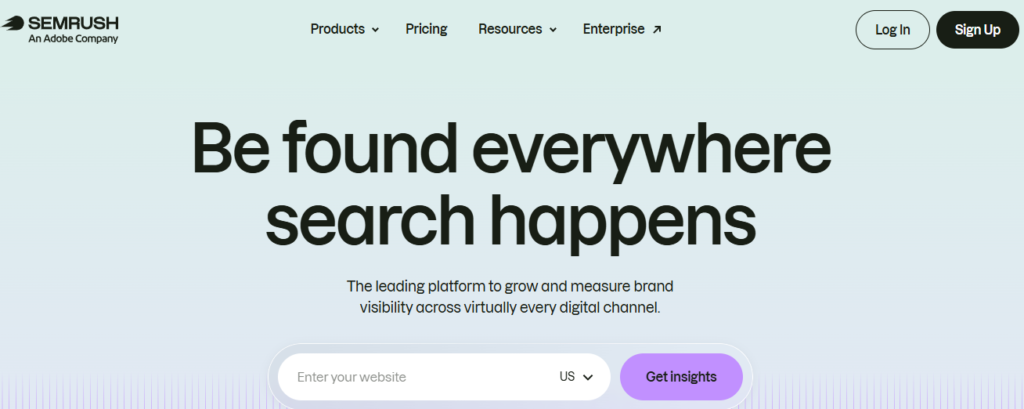
If organic traffic is part of your growth strategy, Semrush belongs in your toolkit. It is widely regarded as one of the best marketing tools for business owners who want to rank on Google without guessing what works. Semrush gives you keyword data, competitor analysis, backlink audits, and on-page SEO recommendations, all from one platform.
The Keyword Magic Tool is where Semrush really shines. You can type in any topic and instantly see search volume, keyword difficulty, cost-per-click data, and hundreds of related keyword variations. This means small business owners can build content strategies that target exactly what their customers are searching for, rather than publishing blog posts that never rank.
Semrush also added AI-powered content writing and optimization tools in 2026, making it a strong contender for businesses that want to blend SEO and content marketing into a single workflow. For local businesses trying to dominate their area, the local SEO toolkit is particularly useful for managing listings and tracking local search performance.
Key Features
- Keyword Magic Tool with 25+ billion keywords across 142 geographic databases
- Competitor analysis for traffic, keywords, backlinks, and ad strategies
- Site Audit tool that identifies technical SEO issues with prioritized fix recommendations
- Position tracking dashboard for monitoring keyword rankings daily
- AI-powered SEO Writing Assistant for on-page content optimization
- Local SEO toolkit for managing business listings and local rank tracking
Pros
- Industry-leading keyword and competitive intelligence database
- All-in-one platform covering SEO, PPC, content, and social
- Regular updates and new AI-powered features keep the platform current
- Backlink analysis rivals dedicated tools like Ahrefs
- Content marketing toolkit helps plan, write, and optimize in one place
Cons
- Pricing starts at $139.95/month, which can be steep for solo operators
- The learning curve is steeper than simpler SEO tools
- Free plan is very limited, only 10 requests per day
- Some data discrepancies compared to Google Search Console for local results
Best For: Small businesses and content marketers who want to build long-term organic traffic through data-driven SEO and competitor research.
4. Canva – The Visual Design Suite Every Small Business Needs
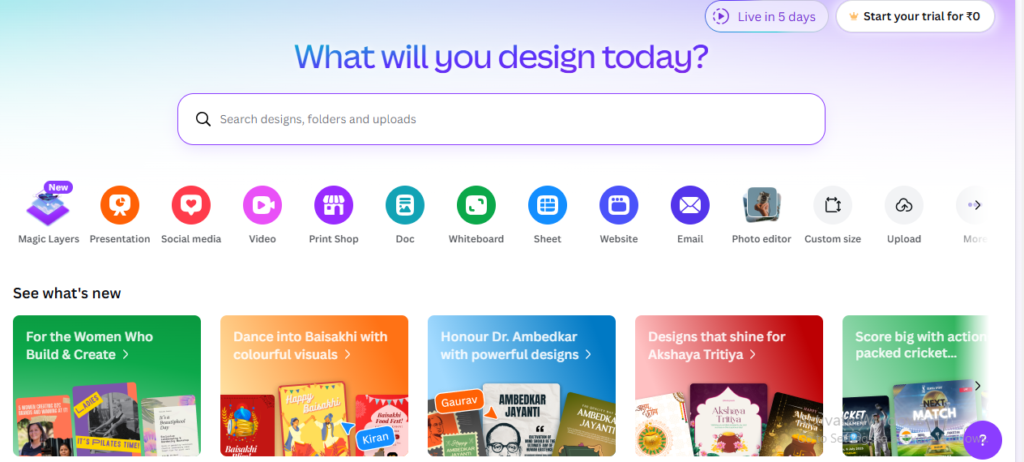
You do not need a graphic designer when you have Canva. It is one of the most beloved best marketing tools for small businesses precisely because it makes professional design accessible to anyone. Whether you need social media graphics, email headers, presentation decks, or ad creatives, Canva has templates and tools that get you there in minutes, not hours.
In 2026, Canva’s Magic Studio has raised the bar significantly. The AI image generator, Magic Write for copy, and Magic Animate for presentations mean that even the least design-savvy business owner can produce polished, on-brand content at scale. The Brand Kit feature lets you lock in your colors, fonts, and logos so every piece of content you create stays consistent.
Canva also added a video editing suite and social scheduling tool, transforming it from a design tool into a lightweight content creation and publishing platform. For small teams that cannot justify the cost of Adobe Creative Cloud, Canva Pro delivers most of the functionality at a fraction of the price.
Key Features
- 1.6 million+ templates for social media, ads, presentations, and print materials
- Magic Studio AI suite including image generator, Magic Write, and Magic Animate
- Brand Kit for locking in colors, fonts, logos, and brand voice guidelines
- Video editor with stock footage library and subtitle auto-generator
- Background remover and one-click image enhancement tools
- Built-in social media scheduler for direct publishing to major platforms
Pros
- Extremely easy to use with zero design experience needed
- Free plan is generous with access to thousands of templates
- Pro plan at $15/month is one of the best value propositions in marketing software
- Team collaboration features make brand consistency easy to maintain
- Constantly updated with new templates, fonts, and AI features
Cons
- Not a replacement for professional design software for complex print work
- AI image generation quality trails behind specialized tools like Midjourney
- Offline functionality is limited compared to desktop design software
- Some premium elements require per-use purchase even on Pro plan
Best For: Small business owners, social media managers, and marketers who need to create high-quality visual content quickly without a design background.
5. Buffer – The Simplest Social Media Scheduler for Busy Owners
Social media consistency is one of the biggest challenges for small businesses. Buffer solves that problem elegantly. It is one of the best small business marketing tools for anyone who wants to stay active across multiple platforms without spending hours each day on manual posting.
Buffer lets you write your posts, schedule them for optimal times, and publish automatically to Instagram, Facebook, X (Twitter), LinkedIn, TikTok, Pinterest, and more, all from a single dashboard. The interface is clean, intuitive, and genuinely enjoyable to use, which is rare for social media tools.
The free plan covers up to 3 channels and 10 scheduled posts per channel, which is more than enough for a business just getting started. For teams wanting deeper analytics or the ability to manage more channels, Buffer’s Essentials plan is affordable and straightforward. If you treat social media marketing like a chore and just want to stay consistent, Buffer is the right tool.
Key Features
- Multi-channel scheduling for 8+ social platforms including TikTok and Pinterest
- AI Assistant for post copy generation and caption rewrites
- Optimal send-time suggestions based on audience engagement data
- Content calendar view for planning campaigns weeks in advance
- Link-in-bio landing page builder for Instagram and TikTok profiles
- Analytics dashboard with post-level engagement and reach reporting
Pros
- One of the cleanest, most intuitive interfaces in social media management
- Free plan available for up to 3 social channels
- AI writing assistant included across all plans
- Team collaboration features for approvals and shared drafts
- Affordable paid plans starting at $6/month per channel
Cons
- Does not offer deep social listening or trend monitoring features
- Analytics are basic compared to Hootsuite or Sprout Social
- No built-in CRM for converting social followers into leads
- Limited reporting on paid social campaigns
Best For: Solo founders, freelancers, and small teams who want a dead-simple social media scheduler to stay consistent across multiple platforms without complexity.
6. ActiveCampaign – Advanced Email Automation for High-Growth Businesses
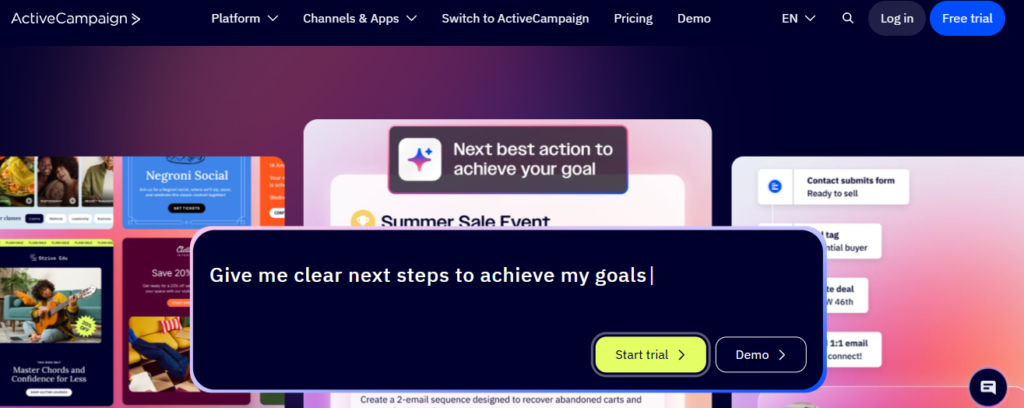
If Mailchimp is where you start with email marketing, ActiveCampaign is where you graduate to when your strategy gets serious. It is widely considered one of the best marketing tools for business owners who need sophisticated automation without enterprise-level pricing.
ActiveCampaign’s visual automation builder is its crown jewel. You can create multi-step workflows triggered by dozens of conditions, from website visits and email opens to purchase history and lead score changes. This level of granularity allows small businesses to deliver highly personalized experiences at scale, something that was previously only possible with expensive enterprise platforms.
The built-in CRM and sales automation features mean marketing and sales teams stay aligned on the same data. Lead scoring, deal pipelines, and task automation work seamlessly alongside email campaigns. For any business focused on nurturing leads and improving conversion rates, ActiveCampaign is a top contender among the best marketing tools for growing business.
Key Features
- Visual automation builder with 850+ pre-built automation templates
- Advanced segmentation using tags, custom fields, events, and lead scores
- Built-in CRM with deal pipelines, contact management, and sales automation
- Predictive sending AI that determines the best time to send to each individual
- Conditional content blocks that personalize email content per segment
- Site tracking and event tracking for behavior-based trigger automation
Pros
- Most powerful automation builder in its price range
- Integrates with 900+ tools including Shopify, Salesforce, and WordPress
- Deep personalization without needing a developer
- Excellent deliverability rates backed by ongoing infrastructure investment
- Free migration service from other email platforms
Cons
- Steeper learning curve than beginner tools like Mailchimp
- No free plan, only a 14-day free trial
- Interface can feel dense for users who only need basic email sends
- Reporting dashboards can be slow to load with large contact lists
Best For: Growing e-commerce stores, B2B businesses, and any small business that needs sophisticated email automation, lead nurturing, and CRM in one integrated platform.
7. Google Analytics 4 – The Free Analytics Tool No Business Can Ignore
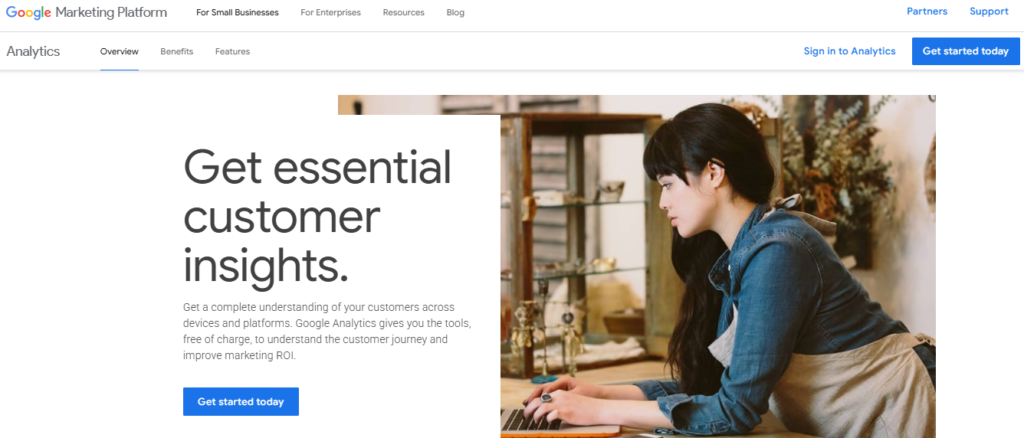
Every marketing decision should be backed by data, and Google Analytics 4 (GA4) is the best free tool for getting that data. It is one of the most powerful best online marketing tools for small business precisely because it costs nothing yet delivers insights that rival paid platforms costing hundreds of dollars per month.
GA4 moved away from session-based tracking to an event-based model, giving you a much richer picture of how users interact with your website and app. You can track specific actions like button clicks, form submissions, video plays, and scroll depth, all without writing complex code if you use Google Tag Manager alongside it.
The AI-powered predictive analytics features are particularly useful for small businesses. GA4 can predict which users are likely to make a purchase and which are at risk of churning, allowing you to proactively target the right people at the right moment. Pair it with Google Search Console and Google Ads for a complete picture of your digital marketing performance.
Key Features
- Event-based tracking for granular user behavior analysis across web and app
- AI-powered predictive metrics including purchase probability and churn risk
- Cross-platform measurement that unifies web and mobile app data
- Audience builder for creating remarketing segments and behavioral cohorts
- Native integration with Google Ads, Search Console, and BigQuery
- Real-time reporting dashboard for monitoring campaign performance live
Pros
- Completely free for most small business needs
- Deep integration with the entire Google ecosystem
- AI insights surface actionable recommendations automatically
- Custom reports and exploration tools for advanced data analysis
- Privacy-focused architecture built for a cookieless future
Cons
- The transition from Universal Analytics has a steep learning curve for new users
- Data sampling on high-traffic properties can skew reports
- Standard reports are less intuitive compared to the previous UA interface
- Requires setup expertise to unlock its full potential
Best For: Every small business with a website. GA4 is a non-negotiable baseline tool for understanding your audience and measuring the effectiveness of all your marketing channels.
8. Hootsuite – The Enterprise-Grade Social Media Manager for Growing Teams
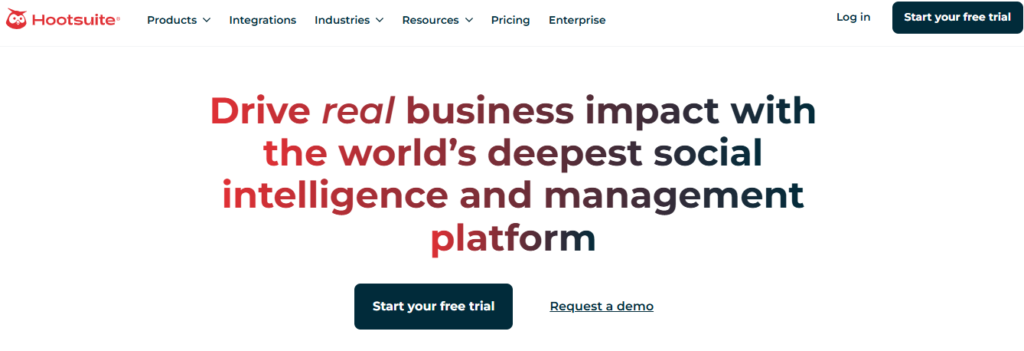
Buffer handles simple scheduling beautifully, but when your social media strategy grows to include team approvals, brand safety, paid campaign management, and deep competitive analysis, Hootsuite takes over as the stronger choice. It is one of the best marketing tools for small businesses that are scaling their social media presence across multiple brands or channels.
Hootsuite supports over 35 social networks and gives teams a unified inbox where they can respond to comments, DMs, and mentions from every platform in one place. The content library allows teams to store pre-approved assets that anyone can access for posting, keeping brand consistency intact even as more people contribute to the social media effort.
The analytics suite is significantly more robust than Buffer’s, offering custom reports, competitive benchmarking, and ROI measurement for both organic and paid social campaigns. For businesses running Facebook Ads or boosted posts alongside their organic strategy, Hootsuite’s unified view of paid and organic performance is genuinely valuable.
Key Features
- Support for 35+ social networks including YouTube, Reddit, and Google My Business
- Unified social inbox for managing all comments, DMs, and mentions in one place
- Content library for storing approved brand assets and reusable templates
- OwlyWriter AI for generating captions, content ideas, and post variations
- Custom analytics reports with competitive benchmarking and ROI tracking
- Team collaboration with role-based access, approval workflows, and audit logs
Pros
- Best-in-class team collaboration and approval workflow features
- Manages paid and organic social from a single dashboard
- Robust analytics and custom reporting for data-driven decisions
- Supports more social networks than most competitors
- Strong security features including two-factor authentication and audit trails
Cons
- Pricing starts at $99/month, which is high for solo operators
- Interface feels complex for businesses with simple social media needs
- No meaningful free plan available
- Occasional posting errors and platform sync delays reported by users
Best For: Growing small businesses and agencies managing multiple social media accounts, team members, and paid campaigns that need a centralized, professional-grade platform.
9. Zapier – The Automation Engine That Connects Your Entire Marketing Stack
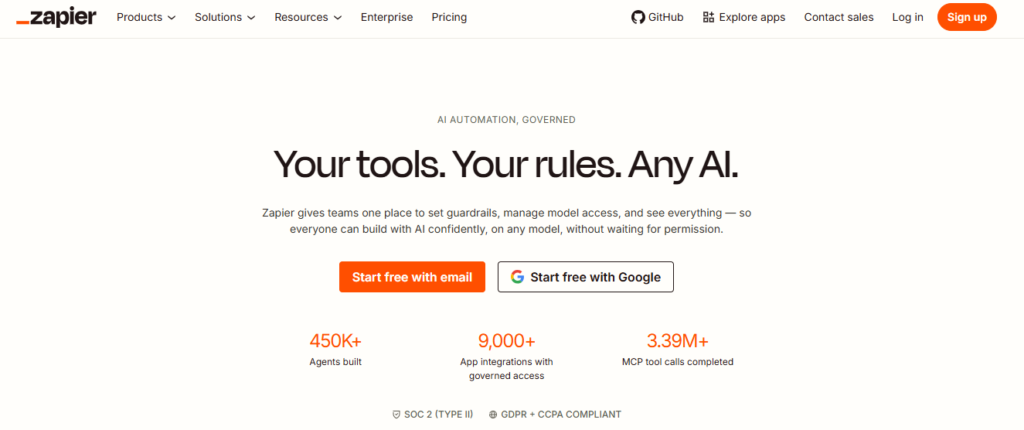
No marketing stack is complete without a way to connect all your tools. Zapier is the glue that holds everything together, and it is one of the most essential best marketing tools for small business owners who want their software to work as a system rather than a collection of isolated apps.
Zapier connects 6,000+ apps and lets you build automated workflows called Zaps that trigger actions across platforms without any code. For example, when a new lead fills out your HubSpot form, Zapier can automatically add them to your Mailchimp list, create a deal in your CRM, send a Slack notification to your sales team, and log the activity in a Google Sheet, all without anyone lifting a finger.
In 2026, Zapier introduced AI-powered Zap builders that let you describe the automation you want in plain English and then auto-generate the workflow. For small business owners who are not technical, this removes the last remaining barrier to building powerful, multi-step automations that save hours every week.
Key Features
- Connects 6,000+ apps including HubSpot, Mailchimp, Shopify, Slack, and more
- AI-powered Zap builder that creates automations from plain-language descriptions
- Multi-step Zaps with conditional logic, filters, and data formatting
- Zapier Tables for simple database-style data storage and management
- Zapier Interfaces for building simple no-code internal tools and portals
- Error monitoring and auto-retry for failed automation steps
Pros
- Largest app integration library of any automation tool on the market
- No coding required for most automation use cases
- AI builder dramatically reduces setup time for complex Zaps
- Free plan supports 100 tasks per month, enough for basic automation needs
- Reliable infrastructure with excellent uptime and support documentation
Cons
- Costs can escalate quickly as task volume grows on paid plans
- Advanced logic and multi-step Zaps are only on paid tiers
- Some niche or newer apps have limited integration support
- Not ideal for very complex data transformation tasks compared to Make (Integromat)
Best For: Any small business looking to eliminate manual, repetitive tasks by automating data flows between their marketing, sales, and operations tools.
Comparison Table: Best Marketing Tools for Small Business at a Glance
Use this table to quickly compare the 9 best small business marketing tools based on the factors that matter most to growing teams.
| Tool Name | Best For | Key Strength | Integrations | Ease of Use | Platform Type |
|---|---|---|---|---|---|
| HubSpot | All-in-one marketing | CRM + Marketing Hub | 1,000+ | 4.4/5 | Cloud/SaaS |
| Mailchimp | Email campaigns | Smart automation | 300+ | 4.6/5 | Cloud/SaaS |
| Semrush | SEO & content | Keyword research | 50+ | 4.2/5 | Cloud/SaaS |
| Canva | Visual design | Drag-and-drop design | 100+ | 4.7/5 | Cloud/SaaS |
| Buffer | Social scheduling | Multi-channel posting | 30+ | 4.5/5 | Cloud/SaaS |
| ActiveCampaign | Email automation | Advanced segmentation | 900+ | 4.3/5 | Cloud/SaaS |
| Google Analytics 4 | Website analytics | Free deep insights | Native Google | 4.1/5 | Cloud/Free |
| Hootsuite | Social media mgmt | Team collaboration | 150+ | 4.2/5 | Cloud/SaaS |
| Zapier | Workflow automation | App connectivity | 6,000+ | 4.5/5 | Cloud/SaaS |
Final Verdict
If you can only pick one tool to start with, HubSpot’s free CRM and marketing hub gives you the broadest foundation. Pair it with Mailchimp for email, Canva for design, and GA4 for analytics, and you have a complete, budget-friendly marketing stack that covers every major channel.
For businesses that are serious about SEO, Semrush is the investment that pays for itself. For teams that live on social media, Hootsuite scales better than Buffer once you hit more than 3 to 5 channels. And if your tools are not talking to each other, Zapier is the first automation tool you should add.
To explore more in-depth comparisons like this, visit TheListify, where we regularly publish expert-curated lists of the best tools and software for businesses across various industries. Whether you’re searching for Best CRM Tools, Best Accounting Software, Best Recruiting Software, Best Project Management Software, marketing tools, or productivity solutions, our detailed guides help you make informed decisions faster.
Frequently Asked Questions
What are the best marketing tools for small businesses in 2026?
The best marketing tools include HubSpot for all-in-one marketing, Mailchimp for email campaigns, Semrush for SEO, and Google Analytics 4 for tracking performance.
Which marketing tool is best for beginners?
Canva and Mailchimp are ideal for beginners due to their user-friendly interfaces, templates, and minimal setup requirements.
What is the best free marketing tool for small businesses?
Google Analytics 4 is one of the best free tools for tracking website performance, while HubSpot offers a powerful free CRM and marketing suite.
Do small businesses really need marketing tools?
Yes, marketing tools help automate tasks, track performance, and improve efficiency. Platforms like Zapier and Buffer save time and allow small teams to compete with larger businesses.