
An applicant reaches the final interview, but the feedback is still scattered across email, a spreadsheet and someone’s notes. Another candidate has waited a week for a scheduling link. These are the kinds of problems an applicant tracking system should help you solve. Choosing one gets harder when every vendor promises automation and better hiring, while the practical differences sit inside pricing tiers, job limits and integration details.
This guide compares 11 of the best applicant tracking systems to shortlist in 2026, from free entry plans to platforms built for several hiring teams. We focus on documented capabilities, realistic use cases and costs that deserve a second look. You will find the strongest reason to consider each product, its limitations and the questions to bring to a demo. The right choice depends on how your team actually recruits.
What Is an Applicant Tracking System?
An applicant tracking system, or ATS, organizes vacancies, applications and the steps between an initial application and a hiring decision. It gives recruiters a shared candidate record and a visible hiring pipeline. Depending on the product and plan, it can also support interview scheduling, evaluation forms, communication, offers and reporting.
A recruiting CRM focuses on relationships with prospects, including people who have not applied. An HR information system manages employees after hiring. Products increasingly overlap, but those jobs remain different. Compare broader recruiting software options if sourcing, recruitment marketing or a wider talent platform is also part of your brief.
How We Evaluated These ATS Platforms
We reviewed official product and pricing pages on October 28, 2026. The comparison considers candidate organization, interview coordination, collaboration, reporting, pricing transparency and important plan restrictions. We also checked TheListify’s sitemap and relevant related articles for contextual links.
This is desk research, not hands-on testing. The numbered order is an editorial shortlist, not a measured performance ranking. Best-for labels are our interpretation of documented capabilities. Feature lists describe the product range; named tiers and add-ons matter. Prices are USD where shown, and annual equivalents are not month-to-month commitments. Local taxes, implementation, integrations and optional services may change the total. We do not treat vendor outcome claims as independently proven.
Top 11 Applicant Tracking Systems
Start with the hiring problem you need to solve. A two-person recruiting team with occasional openings should not use the same buying criteria as an employer managing several brands and regions.
1. Workable
Recruiting with an optional HR handoff
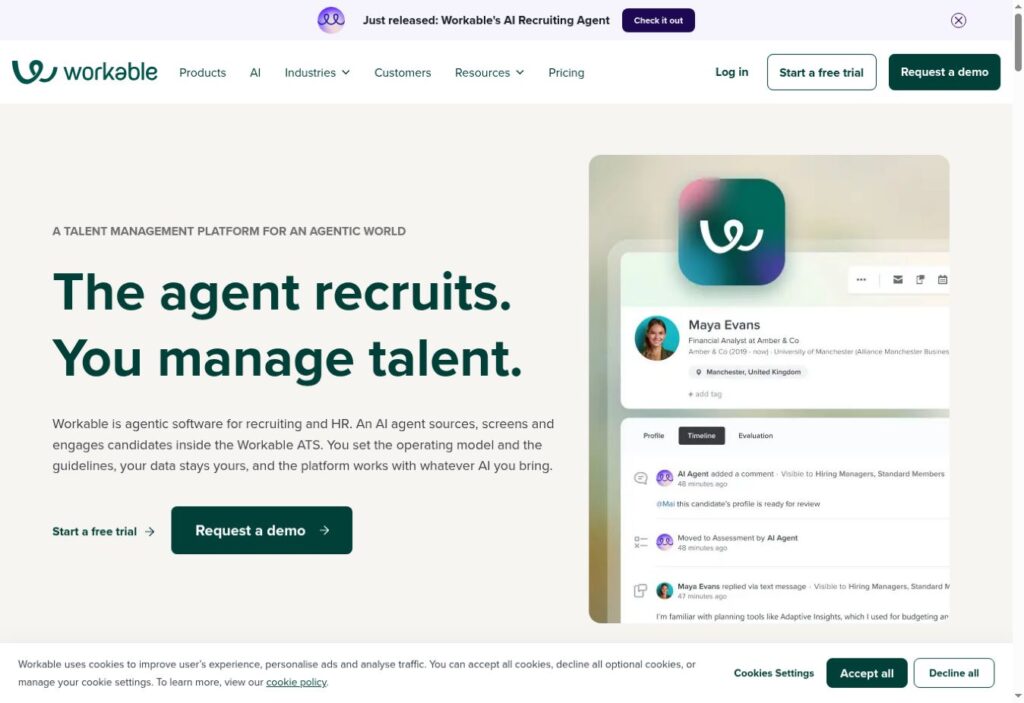
Workable deserves a shortlist when hiring and employee administration need to connect. A recruiter can manage applications and interviews, while the organization can also evaluate its HR offering for onboarding and employee records.
The buying decision is partly about packaging. Price your actual headcount and required modules, then add assessments, texting or video interviewing where needed. Its AI agents use credits; a subscription headline alone does not establish the cost of a busy hiring month.
Pricing: Standard displayed at $299/month ($3,588/year) for 1–20 employees; confirm selected billing and modules. Check official pricing.
Key Features
- Applicant pipelines and candidate records
- Sourcing tools and talent database
- Branded careers pages
- Interview kits and scorecards
- Candidate self-service scheduling
- Offer templates and e-signatures
Pros
- Covers several recruiting stages together
- Supports passive-candidate sourcing
- Keeps interview feedback structured
- Offers an HR expansion path
- Publishes a headcount-based price selector
Cons
- Standard lists texting, assessments and video as add-ons.
- AI agent usage can require additional credits.
Best For and Official Website
Best for: Recruiting with an optional HR handoff.
Official website: https://www.workable.com/
2. Greenhouse
Structured interviews and governance
Greenhouse is a good candidate when interview consistency is the problem. Define the evidence interviewers should collect before meeting applicants, then use scorecards to keep the debrief focused.
Its current packaging separates a structured hiring foundation from broader operational and governance controls. A team expanding across regions should ask which controls require Pro instead of assuming the entry plan covers every security requirement.
Pricing: Custom quote for Core, Plus or Pro. Check official pricing.
Key Features
- Candidate sourcing and CRM
- Interview kits and scorecards
- Interview scheduling
- Reporting and analytics
- Single sign-on in Core
- Audit log in Pro
Pros
- Makes evaluation criteria explicit
- Combines sourcing with applicant tracking
- Supports interview coordination
- Provides reporting from the core package
- Offers a governance-focused upgrade path
Cons
- No public numeric quote to budget against.
- Audit logs and developer sandbox are positioned in Pro.
Best For and Official Website
Best for: Structured interviews and governance.
Official website: https://www.greenhouse.com/
3. Lever
Candidate relationships alongside applications
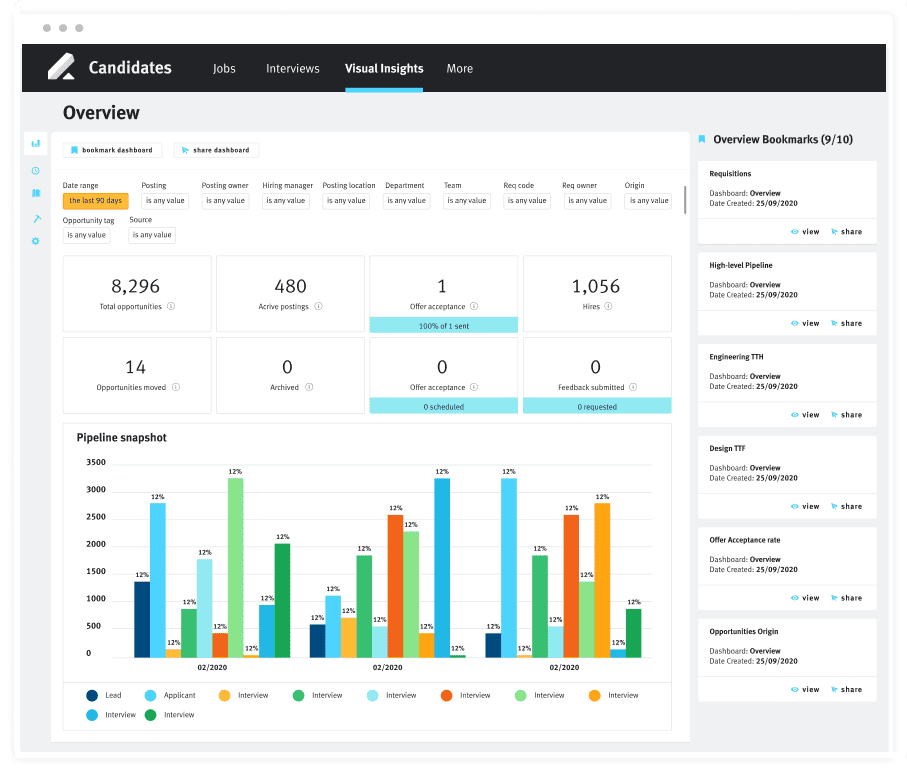
Lever fits teams that want to revisit promising people after a vacancy closes. Its combined ATS and recruiting CRM gives sourcing and candidate nurture a place alongside active applications.
For example, a recruiter filling a second engineering role can work from an existing talent relationship rather than start with a new spreadsheet. Ask the demo team to show how permissions, activity history and your HRIS handoff behave; the existence of an integration is not proof that every required field transfers.
Pricing: Custom quote based on organization and hiring needs. Check official pricing.
Key Features
- Applicant tracking
- Recruiting CRM and nurture
- Interview scheduling
- Workflow automation
- Dashboards and customizable reports
- HRIS and recruiting-tool integrations
Pros
- Connects prospects and applicants
- Supports repeat engagement
- Centralizes recruiting collaboration
- Includes reporting in its core offering
- Connects hiring with other systems
Cons
- Pricing requires a sales quote.
- Candidate Insights and VONQ screening are listed add-ons.
Best For and Official Website
Best for: Candidate relationships alongside applications.
Official website: https://www.lever.co/
4. Ashby
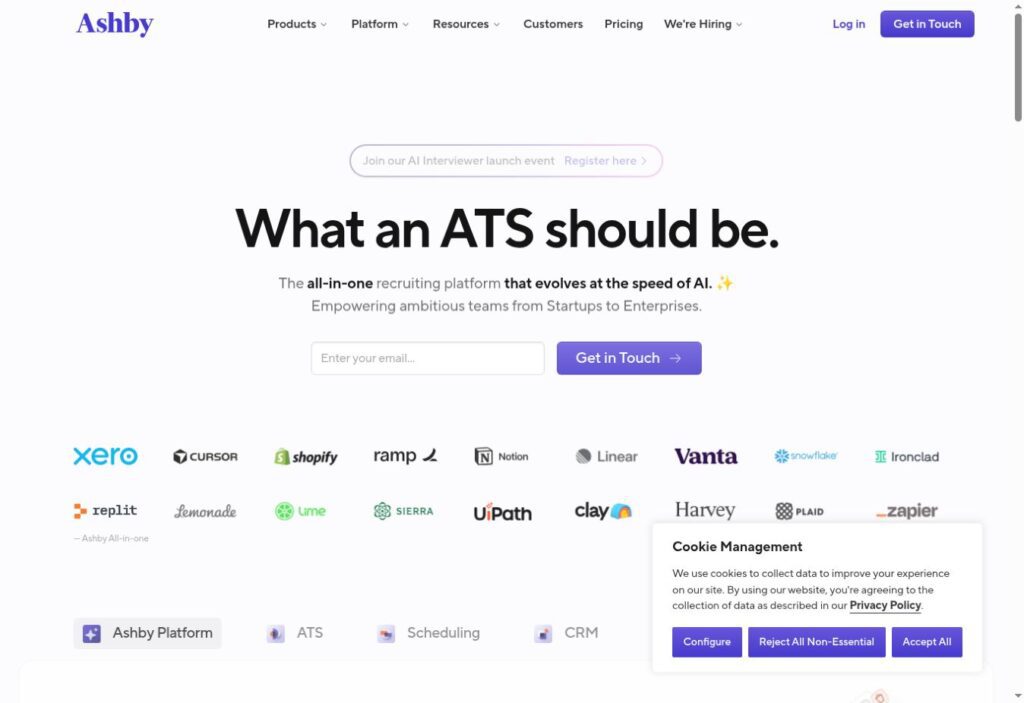
Recruiting operations and analytics
Ashby is worth examining when recruiting leaders need pipeline reporting and coordination in the same system. Its all-in-one product combines ATS, CRM, scheduling and analytics.
Use a practical demo question: where do candidates wait longest, and can the team inspect the records behind that answer? Ashby also sells analytics for an existing ATS, so replacing the whole platform is not the only route. Confirm which product the quote actually covers.
Pricing: Foundations page displays $400/month; size and payment selectors affect quotes. Plus/Enterprise: contact sales. Check official pricing.
Key Features
- Applicant tracking
- Sourcing and recruiting CRM
- Interview scheduling
- Recruiting analytics
- Structured interview plans
- Offer letters and e-signatures
Pros
- Consolidates core recruiting functions
- Supports evidence-based process review
- Offers standalone analytics
- Provides company-size-based packages
- Supports consistent interview plans
Cons
- AI Notetaker is a paid add-on.
- Advanced scheduling has package-specific charges.
Best For and Official Website
Best for: Recruiting operations and analytics.
Official website: https://www.ashbyhq.com/
5. Breezy HR
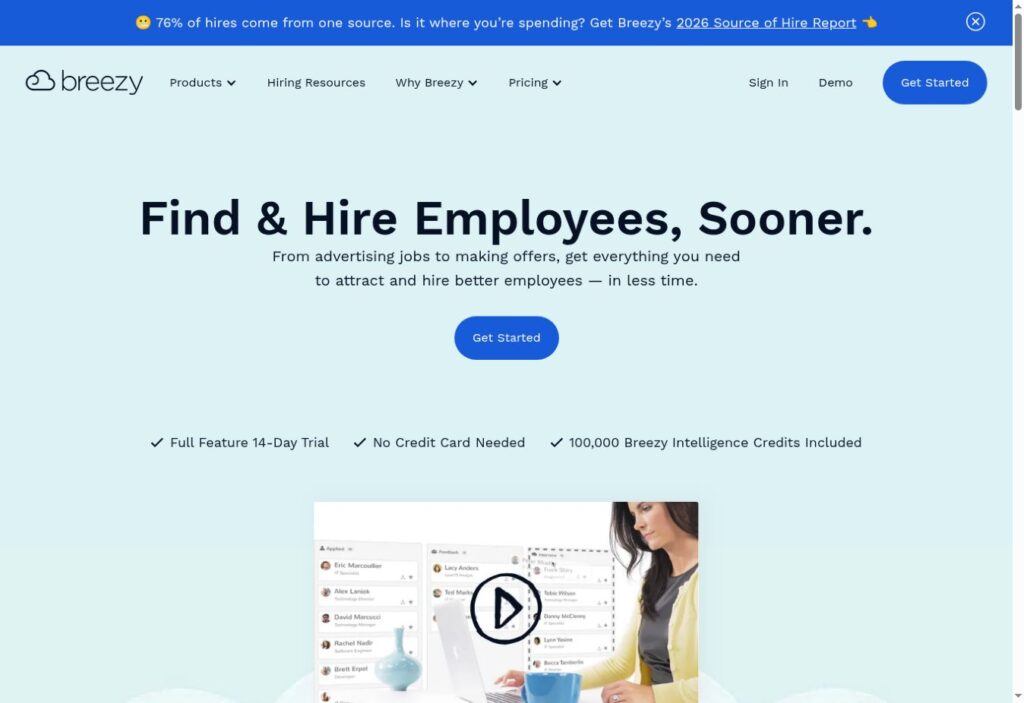
Small teams starting with a free tier
Breezy HR offers a useful entry point for a small employer organizing its first hiring process. The free Bootstrap tier combines a careers site and job distribution with one active position or candidate pool.
The restriction to recent candidates matters more than the free label: Bootstrap provides access to candidates added within the last 30 days. For recurring hiring, compare the paid workflow you need, especially scorecards, approvals and HRIS connections.
Pricing: Bootstrap free; Startup $157/month annual equivalent or $189 monthly. Check official pricing.
Key Features
- Branded careers site
- Job-board distribution
- Resume parsing
- Candidate automation on Startup
- Scorecards on Growth
- Offer management on Business
Pros
- Offers an ongoing free entry tier
- Includes unlimited users on Bootstrap
- Supports a branded applicant entry point
- Adds automation as hiring grows
- Publishes monthly and annual options
Cons
- Free tier permits one active position or pool.
- Free candidate access is limited to recent additions.
- SMS and AI credits can cost extra.
Best For and Official Website
Best for: Small teams starting with a free tier.
Official website: https://www.ashbyhq.com/
6. Zoho Recruit
Configurable hiring with a free starting point
Zoho Recruit serves both corporate hiring and staffing use cases. This comparison uses its corporate pricing page; an agency should request the appropriate edition before comparing costs.
The appeal is a path from basic candidate organization to more configurable processes. A small team can start with records and scheduling, while a larger operation can assess Blueprint and automation. More configurability also means someone must own the workflow design.
Pricing: Corporate Free: one active job per recruiter license. Paid price amounts did not render reliably. Check official pricing.
Key Features
- Candidate and email management
- Interview scheduling
- Resume management on Standard
- Branded careers site on Standard
- Referrals and assessments on Standard
- Blueprint automation on Enterprise
Pros
- Has a permanent free corporate tier
- Provides a defined upgrade path
- Supports configurable workflows
- Offers hiring collaboration portals
- Documents Google Meet and Teams integrations
Cons
- Active-job allowances vary by edition.
- Free edition does not support add-ons.
- Paid local prices need confirmation.
Best For and Official Website
Best for: Configurable hiring with a free starting point.
Official website: Zoho Recruit. Product and pricing pages are the sources for this profile; benefits are editorial interpretations, not measured results.
7. JazzHR
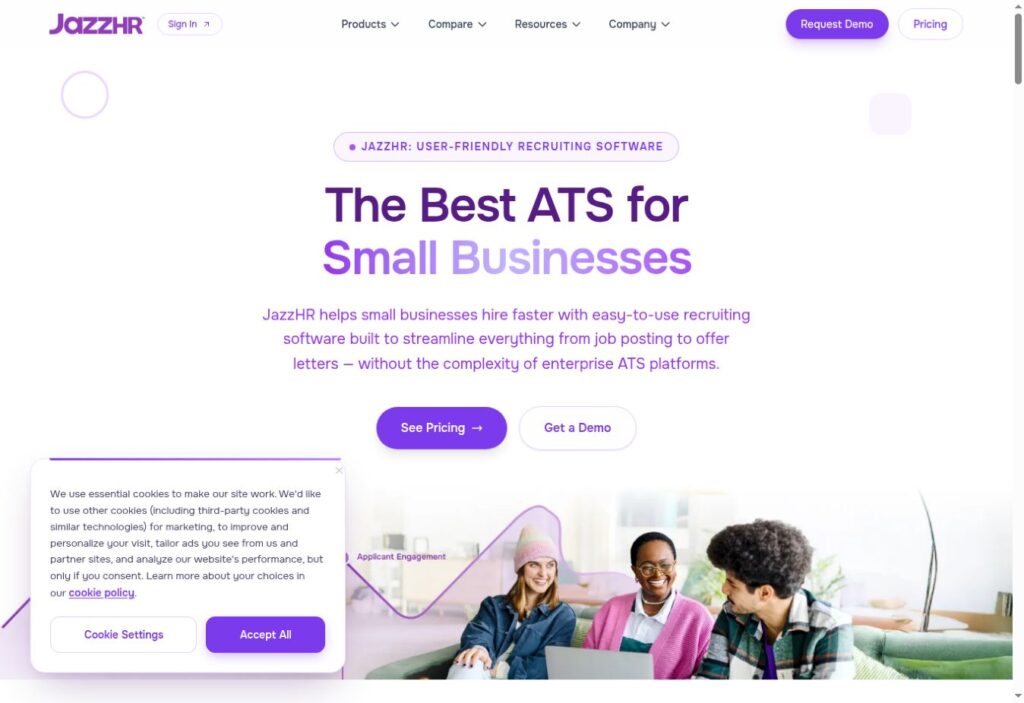
Small businesses with defined hiring volume
JazzHR targets small businesses that need a repeatable recruiting process without buying a broader HR suite. Its published annual packages make the initial budget conversation more concrete.
Hero starts at three job postings per month. A business hiring continuously should compare Plus, while a team needing offers and deeper reports should inspect Pro. Do not apply the standard small-business price to an agency or other excluded organization.
Pricing: Annual billing: Hero $1,000/year; Plus $3,480/year; Pro $5,508/year. Check official pricing.
Key Features
- Applicant tracking
- Email templates
- LinkedIn Recruiter integration
- Structured interviews on Plus
- Task automation on Plus
- Offers and e-signatures on Pro
Pros
- Publishes annual package totals
- Provides a small-business entry plan
- Adds interview structure on Plus
- Supports recurring workflow tasks
- Offers deeper reporting on Pro
Cons
- Hero has a limited posting allowance.
- Standard pricing excludes agencies and some other businesses.
- Posting availability remains subject to eligibility.
Best For and Official Website
Best for: Small businesses with defined hiring volume.
Official website: https://www.jazzhr.com/
8. Tellent Recruitee
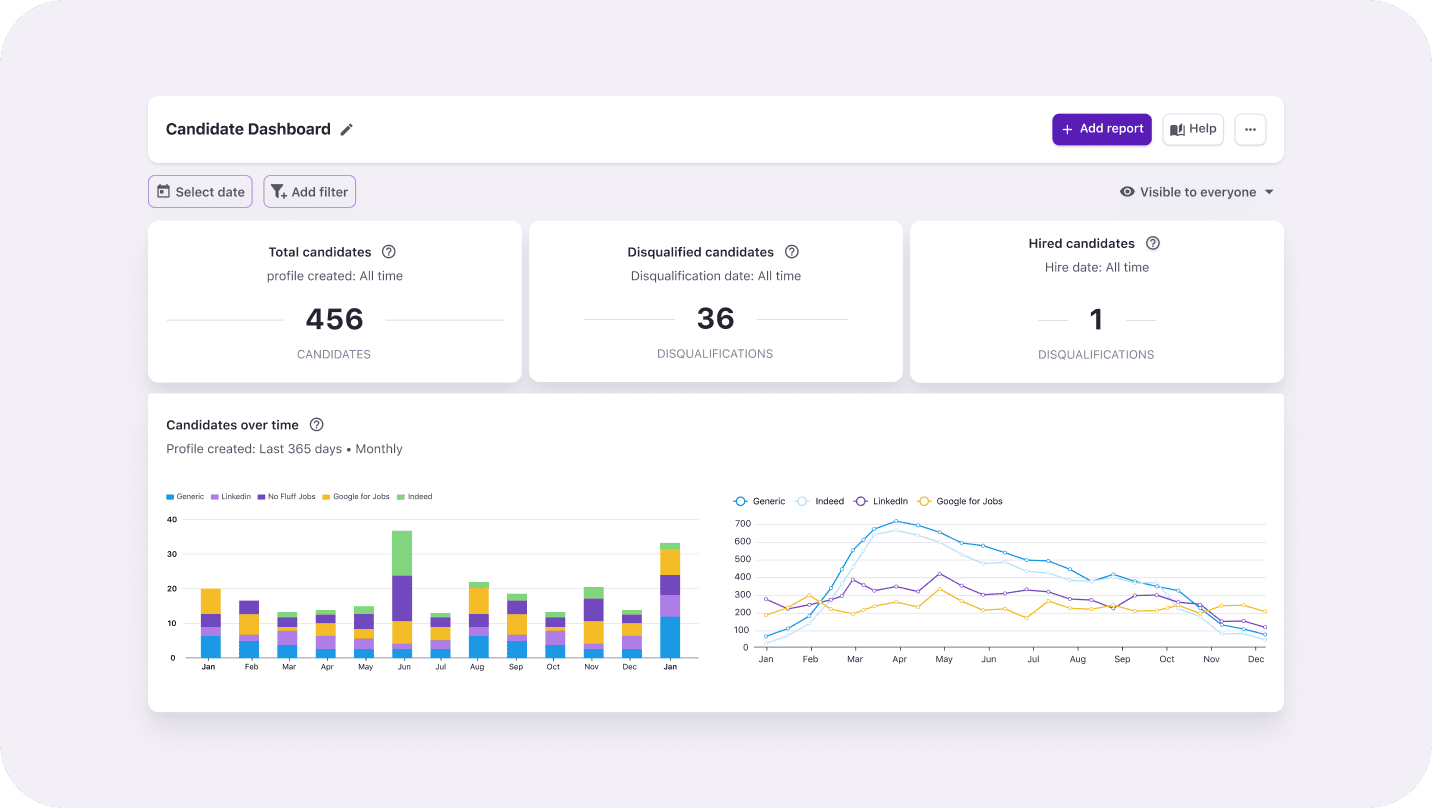
Collaborative hiring teams
Tellent Recruitee is a sensible shortlist choice when recruiters need hiring managers actively involved. Collaboration, feedback and candidate pipelines sit alongside careers-site and job-distribution tools.
A useful trial is to involve a manager who hires only occasionally: can they find the candidate, record feedback and identify the next action? The Start plan permits five active job posts, so model your busiest month before choosing a tier.
Pricing: Request a current quote; no numeric starting amount verified. Check official pricing.
Key Features
- CareersHub careers-site builder
- Multi-board job posting
- Shared notes and team tasks
- Candidate pipelines and automation
- Structured evaluation forms
- Digital offers and e-signatures
Pros
- Supports shared hiring ownership
- Keeps feedback with candidate records
- Combines attraction and evaluation
- Offers a no-code careers presence
- Provides an upgrade path for complex workflows
Cons
- Start limits active job posts to five.
- Advanced controls and AI allowances vary by plan.
- Agencies need a custom quote.
Best For and Official Website
Best for: Collaborative hiring teams.
Official website: https://www.jazzhr.com/
9. Manatal
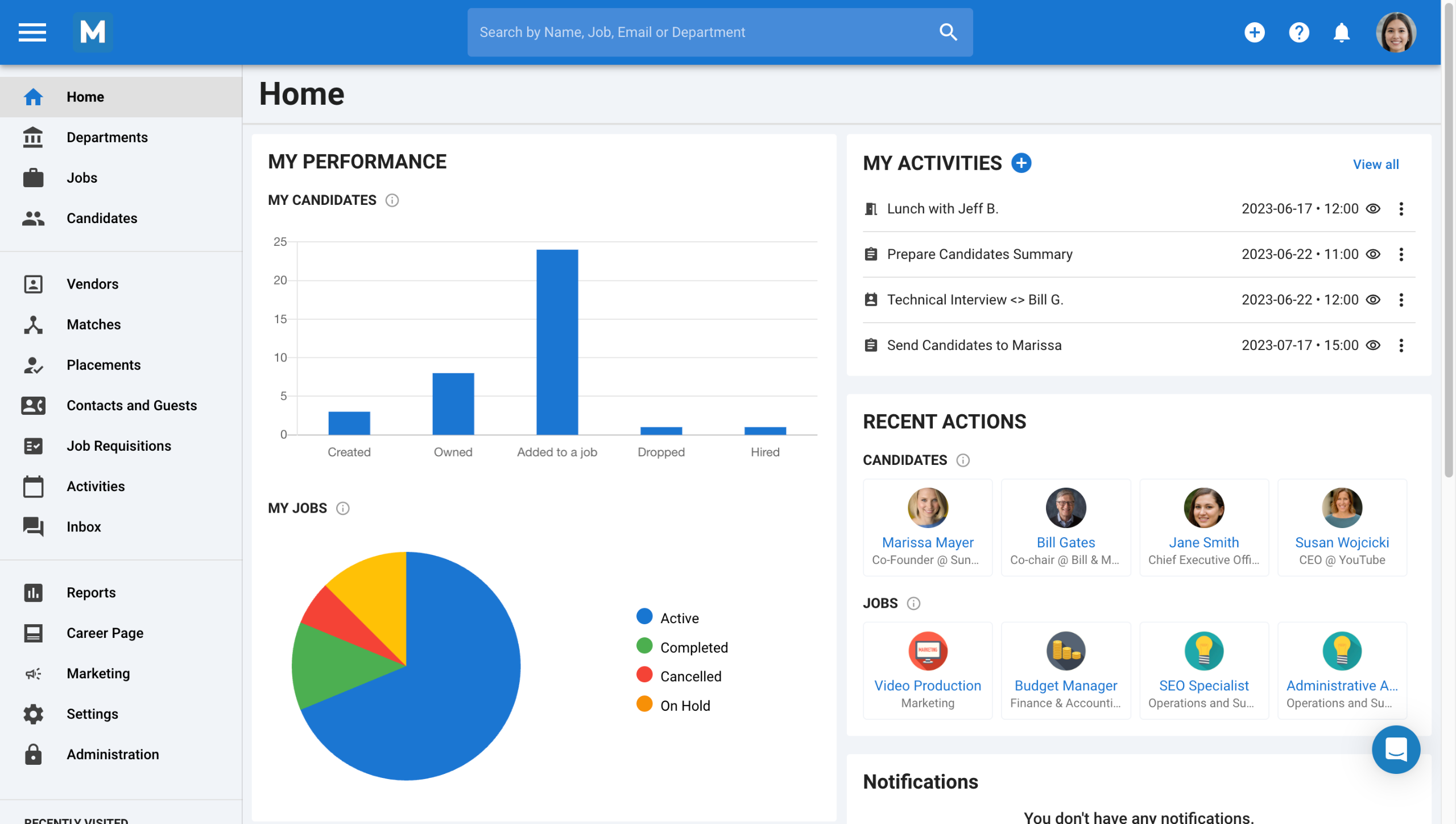
Smaller recruiter teams watching seat costs
Manatal offers a clear per-user starting point for HR teams and recruiters. Its configurable pipeline is a useful place to begin when the immediate problem is tracking applicants and keeping candidate information organized.
A low seat price does not mean unlimited capacity. Professional allows up to 15 jobs and 10,000 candidates per account. Calculate the whole recruiter team and the likely upgrade before comparing it with a flat organization subscription.
Pricing: Annual equivalents: Professional $15/user/month; Enterprise $35; Enterprise Plus $55. Check official pricing.
Key Features
- Customizable hiring pipelines
- Resume parsing
- Candidate search
- Configurable candidate profiles
- Hiring-manager profile sharing
- Candidate scorecards
Pros
- Publishes per-user rates
- Supports agency and HR use cases
- Provides visual pipeline tracking
- Includes hiring-manager access in plan limits
- Offers higher-capacity tiers
Cons
- Professional has job and candidate caps.
- API and SSO are listed in Enterprise Plus.
- Workflow automation starts in Enterprise.
Best For and Official Website
Best for: Smaller recruiter teams watching seat costs.
Official website: Manatal
10. Teamtailor
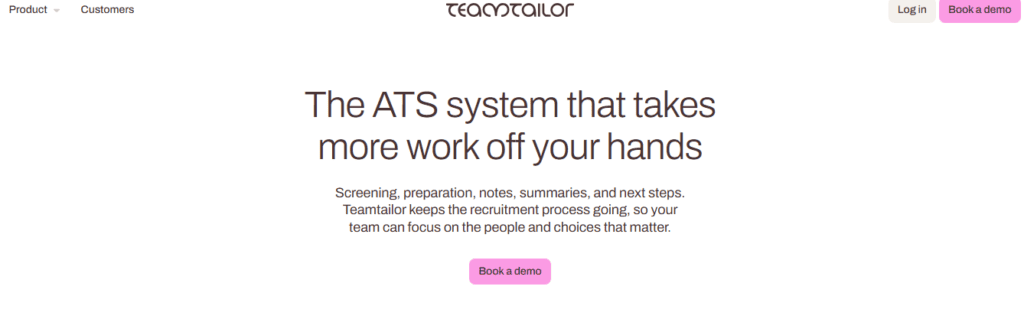
Employer branding and candidate experience
Teamtailor merits consideration when the careers site is part of the recruiting problem. Its offering connects employer branding with candidate relationships, interviewing and hiring workflows.
For a company recruiting across several departments, unlimited users can make wider participation easier to budget. However, the pricing page also marks certain capabilities Premium. Ask for an itemized feature schedule rather than treating an all-in-one description as proof that every feature is included.
Pricing: Custom quote; pricing page advertises unlimited jobs and users. Check official pricing.
Key Features
- Careers-site builder
- Candidate relationship management
- Interview kits
- Workflow triggers
- Reporting
- HR-tech integrations
Pros
- Connects brand and recruiting workflows
- Advertises unlimited job postings
- Advertises unlimited users
- Supports consistent interview evaluation
- Includes workflow automation in its offer
Cons
- No public numeric subscription price.
- Requisition and approval flows are marked Premium.
Best For and Official Website
Best for: Employer branding and candidate experience.
Official website: https://www.teamtailor.com/en/pricing/
11. Pinpoint
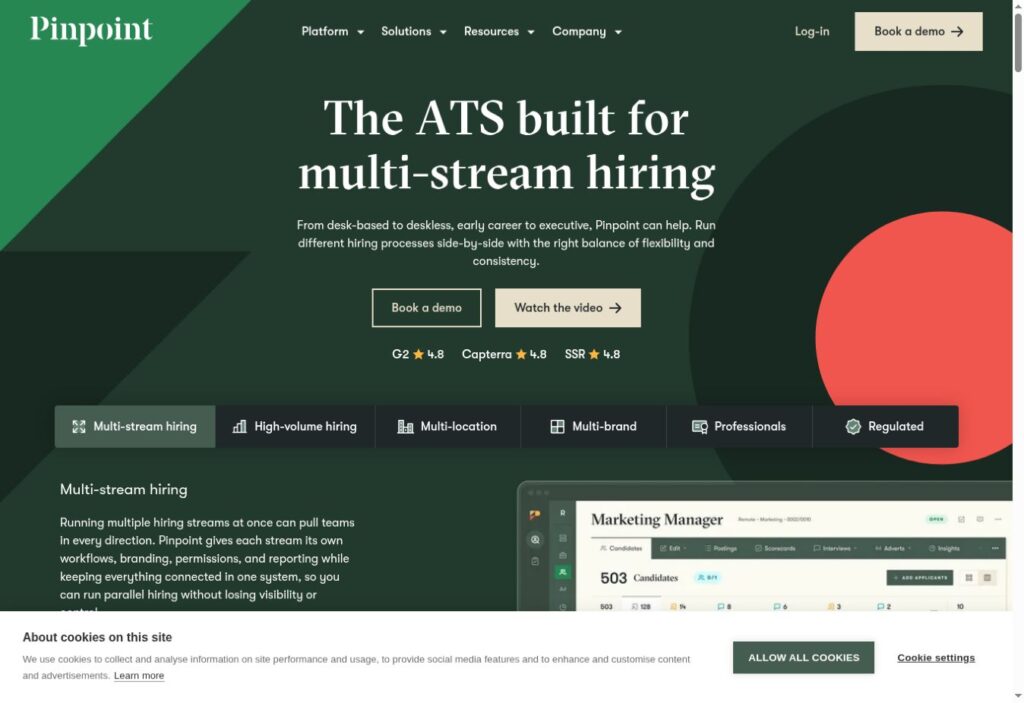
Different hiring processes within one organization
Pinpoint focuses on organizations running different hiring processes at once. A retailer recruiting store staff and head-office specialists, for example, may need different stages, permissions and candidate experiences.
That positioning makes it worth a demo for employers balancing local flexibility with central visibility. Ask the vendor to build both workflows using your examples and explain what is included in the quoted scope. A polished careers experience alone does not prove that internal approvals will match your organization.
Pricing: Request a custom quote. Check official pricing.
Key Features
- Separate hiring workflows
- Talent pools and nurture
- Workflow automation
- Scoped reporting
- Role-sensitive permissions
- Interview self-scheduling
Pros
- Supports different hiring streams
- Allows process differences by location
- Combines candidate engagement and tracking
- Provides reporting across workflows
- Supports coordinated access controls
Cons
- Pricing requires a custom quote.
- Several parallel workflows require implementation ownership.
Best For and Official Website
Best for: Different hiring processes within one organization.
Official website: https://www.teamtailor.com/en/pricing/
Applicant Tracking System Comparison
Use this table to narrow the demo list. Pricing bases differ, so these amounts are not a like-for-like cost ranking.
| Platform | Best-fit starting point |
|---|---|
| Workable | Recruiting with an optional HR handoff |
| Greenhouse | Structured interviews and governance |
| Lever | Candidate relationships alongside applications |
| Ashby | Recruiting operations and analytics |
| Breezy HR | Small teams starting with a free tier |
| Zoho Recruit | Configurable hiring with a free starting point |
| JazzHR | Small businesses with defined hiring volume |
| Tellent Recruitee | Collaborative hiring teams |
| Manatal | Smaller recruiter teams watching seat costs |
| Teamtailor | Employer branding and candidate experience |
| Pinpoint | Different hiring processes within one organization |
How to Choose the Right Applicant Tracking System
Write down one recent vacancy and trace it from approval to offer. Identify the step that caused the most avoidable work: collecting applications, assigning reviewers, arranging interviews, consolidating feedback or sending the final paperwork. Use that step to build a shortlist of two or three products.
Next, ask each vendor to demonstrate the same scenario. Include an applicant who reschedules, an interviewer who misses a deadline and a promising candidate you want to consider for another role. Watching those transitions is more useful than seeing only a prepared dashboard.
Calculate the Full First-Year Cost
Request a written total covering recruiter licenses, hiring-manager access, active jobs, candidate storage, migration, onboarding, support, SMS, AI usage and required integrations. Confirm renewal terms and whether annual pricing means annual prepayment or an annual commitment paid in installments.
A small employer should also compare recruiting software for small businesses, using its own hiring volume to decide whether a free tier or a paid package is sufficient. A free plan is useful only if its record-access and job limits match the work.
Test Integrations, Data Access and AI Controls
Choose one required integration, such as your calendar or HRIS, and ask which fields move, in which direction and at what stage. Check whether the connector is included in your tier and whether another subscription is needed. Request a sample candidate export before migration so your team understands what can be retrieved later.
For AI screening or summaries, ask what information the tool uses, how reviewers can inspect its output and how a person can correct an error. Use a controlled demonstration with fictional applicants. A model-generated ranking should be reviewed against job-relevant evidence, not treated as a substitute for hiring judgment. Our guide to AI HR and recruitment tools covers related product categories; a general AI feature label does not establish suitability for your workflow.
If assessments are part of your hiring process, use the same sample role to test both the ATS workflow and the assessment handoff. Ask whether scores, completion status and reviewer notes appear on the candidate record, and whether the integration requires a separate contract. See our comparison of talent assessment tools for the related category; an assessment vendor is not automatically an ATS.
Frequently Asked Questions
These answers address the buying questions most likely to change your shortlist.
Which applicant tracking system is best overall?
There is no universal winner. Greenhouse is a reasonable starting point for structured interviews, Lever for candidate relationships, Ashby for recruiting operations and Teamtailor for careers-site-led hiring. These are editorial fit judgments. Use the same vacancy scenario to compare your finalists.
Is there a free applicant tracking system?
Breezy HR and Zoho Recruit offer ongoing free tiers. Their limits differ: Breezy Bootstrap restricts active positions or pools and access to older candidates; Zoho’s corporate Free edition allows one active job per recruiter license. Confirm that essential workflow steps fit before relying on a free plan.
How much does an ATS cost?
The billing unit matters as much as the displayed number. Some products charge by recruiter, others by organization size or package. Compare a complete annual quote with your expected users, openings and optional services. Do not compare a per-seat annual equivalent directly with an organization-wide monthly subscription.
What is the difference between an ATS and a recruiting CRM?
An ATS primarily organizes applicants against open roles. A recruiting CRM helps build and maintain relationships with prospective candidates, including people who are not currently applying. Several products combine both, which can be useful when you regularly revisit earlier candidates.
Can a staffing agency use these systems?
Some vendors serve agencies as well as internal HR teams, but editions and pricing can differ. Zoho Recruit and Manatal explicitly address agency use. Check client records, candidate submissions and agency-specific commercial terms instead of assuming an employer hiring plan is sufficient.
Will AI features automatically improve hiring quality?
Not necessarily. A feature list does not prove improved hiring outcomes. Ask vendors to demonstrate the task, show the evidence behind recommendations and explain human review controls. Evaluate results against job requirements and your process before enabling consequential automation.
Final Verdict
Shortlist by the bottleneck. Compare Greenhouse when evaluation consistency matters, Lever when candidate relationships matter and Ashby when recruiting operations need stronger visibility. Consider Workable for a recruiting platform with an HR expansion path. Smaller teams can start their budget comparison with Breezy HR, Zoho Recruit, JazzHR or Manatal. Tellent Recruitee suits a collaboration-focused evaluation; Teamtailor and Pinpoint deserve attention when candidate experience or multiple hiring processes shape the purchase.
These recommendations indicate where to begin a demo, not which contract to sign. The deciding evidence should be your own workflow demonstration and an itemized quote.