
Running a small business means wearing a dozen hats at once. Keeping projects on track, your team aligned, and deadlines met is genuinely hard, especially when your team is small and budgets are tight.
The best project management software for small business in 2026 does more than create task lists. It gives your team a shared source of truth, reduces back-and-forth, and keeps every project moving without a dedicated project manager.
We analyzed over 20 tools, stress-tested the top contenders, and narrowed it down to the 7 best project management tools for small teams based on ease of use, value for money, integration depth, and real-world usability. Whether you’re a five-person agency or a growing e-commerce brand, there’s a clear winner for you here.
Top 7 Best Project Management Tools for Small Businesses 2026
Each tool below was evaluated on setup time, pricing transparency, features relevant to small teams, and user satisfaction scores from verified reviews.
According to the Project Management Institute’s Pulse of the Profession report, organizations that use structured project management software waste 28x less money and complete more projects on schedule than those that don’t. For small businesses, that ROI is critical.
1. ClickUp
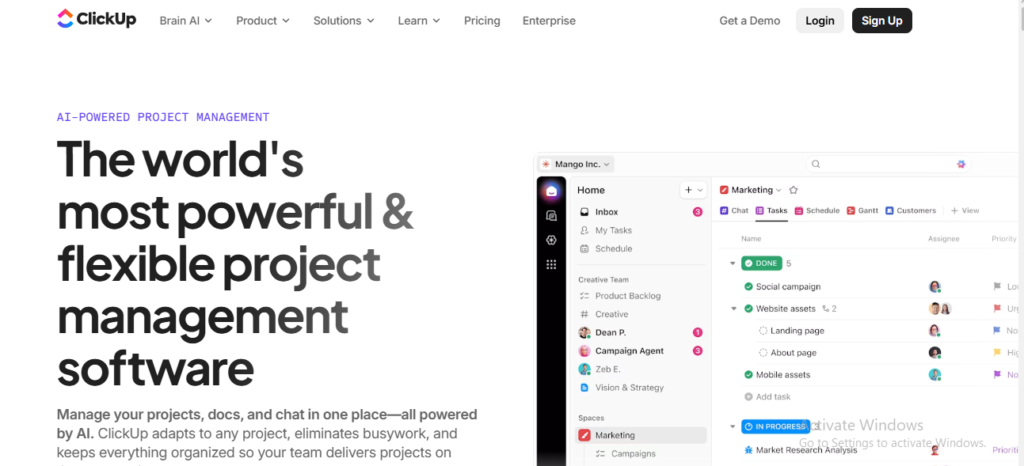
ClickUp is arguably the most complete project management platform available for small businesses in 2026. It packs task management, docs, whiteboards, time tracking, goals, and chat into one workspace, which means fewer app subscriptions and less context-switching for your team.
What sets ClickUp apart from competitors is its flexibility. You can work in a Kanban board, a Gantt chart, a list view, or a calendar, all from the same task. That level of adaptability is rare. Most tools force you into one workflow; ClickUp lets you build the workflow around your business.
For small teams that are scaling but watching costs, ClickUp’s free plan is genuinely usable (not a watered-down trial). The paid tiers are also among the most affordable in their feature class, making it a strong pick for the best project management tools for small businesses 2026.
✅Key Features
- 15+ view types including List, Board, Calendar, Gantt, Mind Map, and Workload, so every team member sees work their way
- ClickUp AI (Brain) lets you summarize threads, auto-generate subtasks, and draft project briefs without leaving the platform
- Native time tracking with billable hour logging built in, no third-party integrations needed for basic timekeeping
- Automations with 100+ triggers that handle repetitive task routing, status changes, and Slack notifications automatically
- Custom dashboards with widgets for sprint velocity, task completion rates, and team workload in real time
- 1,000+ integrations including Slack, Google Workspace, HubSpot, Zapier, and even the best small business accounting software platforms like QuickBooks and FreshBooks
✅Pros
- Extremely generous free plan with unlimited tasks and members
- One platform replaces 5+ tools, cutting your software stack cost
- Highly customizable to match your exact team workflow
- AI assistant speeds up project setup and documentation significantly
- Strong mobile app for managing tasks on the go
❌Cons
- Can feel overwhelming at first because of the sheer number of features
- Initial setup takes time to configure correctly for your team
- Occasional performance slowdowns on very large workspaces
- Some advanced automations are locked behind higher-tier plans
🎯Best For: Growing small businesses that want one central workspace, teams replacing multiple tools, and founders who want serious project visibility without enterprise pricing.
2. Monday.com
Monday.com is the go-to choice for teams that are highly visual and want a tool that looks as good as it works. Its color-coded boards, drag-and-drop task management, and smooth onboarding experience make it one of the fastest tools to get a team up and running. No training sessions required.
Monday has evolved from a task tracker into a full Work OS. Small businesses can now run CRM pipelines, HR onboarding flows, marketing campaigns, and software development sprints all within the same platform. The template library alone has over 200 ready-to-use boards, which saves serious setup time.
The main caveat: Monday’s pricing is per-seat and can creep up quickly as your team grows. But for the best project management tools for small teams under 15 people, it delivers exceptional value when paired with its Pro plan.
✅Key Features
- WorkForms lets clients and stakeholders submit requests directly into your project boards without needing a Monday account
- Monday AI generates action items from meeting notes, predicts task risk, and auto-categorizes incoming work requests
- 200+ templates across marketing, HR, design, software, and operations, ready to use in under 5 minutes
- Timeline and Gantt views with dependency mapping to keep complex project schedules tightly managed
- Automations builder with a no-code recipe system: when X happens, do Y, no developer needed
- Integrations with 72+ tools including Salesforce, Jira, GitHub, Zoom, and major best small business accounting software apps like Xero
✅Pros
- Fastest onboarding experience of any tool on this list
- Visually intuitive, even non-technical team members adopt it quickly
- Excellent reporting dashboards with real-time data filters
- Strong mobile apps for iOS and Android with offline support
- Guest access available so clients can view (not edit) project status
❌Cons
- No free plan for more than 2 seats, limiting for bootstrapped startups
- Per-user pricing can become expensive beyond 10-15 people
- Some reporting features require the Pro plan or higher
- Automations have monthly limits on lower-tier plans
🎯Best For: Marketing agencies, creative studios, and client-services businesses that prioritize visual clarity and want their whole team actively engaged in the tool from day one.
3. Asana
Asana has been a reliable favourite for structured project management since its launch, and in 2026 it continues to be one of the most mature platforms available. If your small business runs recurring processes, like monthly client reports, content calendars, or product launches, Asana’s workflow builder will cut your setup time significantly.
What makes Asana stand out is its focus on task dependencies and project sequencing. You can map out a project so tasks automatically unlock when prior steps are complete. This is especially useful for teams that hand off work between departments or to freelancers. The platform keeps everyone accountable without micromanagement.
Asana also introduced AI-powered task prioritization in its latest update. It learns from your team’s patterns and suggests which tasks to tackle next, which is a genuine time-saver for small business owners juggling multiple projects.
✅Key Features
- Rules and workflow automation that trigger actions based on task status, due dates, or form submissions with zero coding required
- Portfolios view lets you see the health status of all active projects in a single executive-level overview
- Goals feature connects company-level OKRs directly to projects and tasks so your team always sees how their work ties to business outcomes
- Asana Intelligence provides smart task suggestions, risk flags on overdue dependencies, and automated status updates
- Timeline (Gantt) view with drag-and-drop rescheduling that automatically adjusts dependent tasks when timelines shift
- 200+ integrations including Slack, Microsoft Teams, Zoom, and tools that complement best small business accounting software workflows like Harvest and Toggl
✅Pros
- Best-in-class task dependency and sequencing management
- Free plan supports unlimited tasks and up to 10 team members
- Clean, distraction-free interface that keeps teams focused
- Excellent template library for repeatable project types
- Strong reporting on workload balance and project progress
❌Cons
- Time tracking requires third-party integrations, not built in natively
- Advanced automation rules are locked behind the Business plan
- Guest access is limited on lower-tier plans
- Can feel overly structured for very small, informal teams
🎯Best For: Operations-focused small businesses, professional services firms, and teams that run repeatable multi-step processes and need accountability built into the workflow.
4. Trello
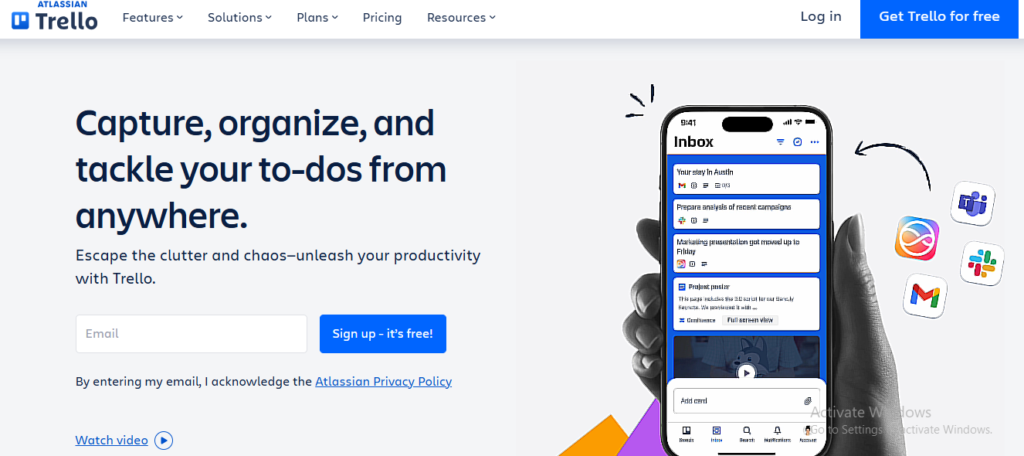
Trello is the original Kanban board tool, and it remains one of the most approachable project management platforms for small businesses that don’t need heavy features. If your team is new to project management software, Trello is the perfect place to start. Cards, lists, and boards are intuitive enough that most people grasp the system within 20 minutes of signing up.
What Trello lacks in depth, it makes up for in simplicity and speed. Small businesses running straightforward workflows, like a content pipeline, bug tracking board, or sales funnel, will find Trello more than adequate. Power-Ups extend the platform with extra functionality like calendars, time tracking, and reporting without requiring an upgrade.
Trello’s free plan is one of the most usable free tiers in this category. Unlimited cards, unlimited members, and 10 boards per workspace cover the needs of most early-stage small teams, making it one of the best project management tools for small teams on a tight budget.
✅Key Features
- Drag-and-drop Kanban boards with color labels, checklists, due dates, and file attachments on every card, no extra setup required
- Power-Ups marketplace with 200+ add-ons including Calendar, Map view, voting, and time tracking from tools like Clockify
- Butler automation built into every plan, letting you create rule-based triggers like moving a card when a checklist is complete
- Timeline and Table views available on paid plans for teams that need more than just Kanban boards
- Trello templates gallery with pre-built boards for remote work, product roadmaps, event planning, and more
- Atlassian ecosystem access with native integration into Jira, Confluence, and other business productivity tools
✅Pros
- Easiest learning curve of any tool on this list, zero training needed
- Genuinely useful free plan with no seat limits
- Lightweight and fast, no performance issues even on older devices
- Great for visual thinkers who prefer card-based task management
- Part of Atlassian suite, so upgrades to Jira are seamless when you scale
❌Cons
- Limited depth for complex project planning or multi-phase campaigns
- No native Gantt chart or resource management without Power-Ups
- Reporting features are thin even on paid plans
- Not ideal for teams managing more than 3-4 simultaneous projects
🎯Best For: Freelancers, very small teams (under 6 people), and businesses new to project management who want a visual, low-friction way to track work without a steep learning curve.
5. Notion
Notion occupies a unique space in the project management world. It’s not a pure project management tool, it’s a connected workspace that combines notes, documentation, databases, and task tracking into one highly customizable environment. For small businesses that struggle with scattered information across Google Docs, Slack, and spreadsheets, Notion acts as the glue that pulls it all together.
Notion’s real strength is its database system. Every page can be a database, and every database can be viewed as a table, Kanban board, gallery, calendar, or list. This flexibility means your team wiki, project tracker, and client CRM can all live in the same workspace with cross-references between them.
Notion AI has matured significantly. It can now summarize meeting notes, auto-fill project briefs, translate documents, and generate action items from a prompt, making it one of the most AI-forward tools for knowledge-intensive small businesses.
✅Key Features
- Linked databases that let you connect tasks to clients, projects to sprints, and docs to team members across your entire workspace
- Notion AI built into every page for instant summaries, translations, grammar fixes, and project brief generation
- Team wikis and SOPs that keep institutional knowledge documented, searchable, and always up to date
- Notion Forms for collecting structured data from clients or team members that auto-populate your database
- Guest sharing lets you share specific pages or databases with clients without giving them access to your whole workspace
- API and Zapier integration to connect Notion with invoicing tools and the best small business accounting software of your choice
✅Pros
- Replaces your wiki, docs, and basic project tracking in one place
- Extremely customizable to match any workflow or business type
- Free plan is solid for solo founders and tiny teams
- Beautiful interface that teams actually enjoy using daily
- Strong Notion AI makes information retrieval and creation fast
❌Cons
- Not purpose-built for project management, so some PM features feel bolted on
- Initial setup requires significant time investment to organize properly
- No native time tracking or resource management features
- Can become messy without consistent internal governance and naming conventions
🎯Best For: Content teams, consultants, and knowledge-heavy businesses that want a single source of truth for documentation, project tracking, and team collaboration without switching between apps.
Also Read: Best Project Management Tools for Freelancers in 2026
6. Teamwork
Teamwork is purpose-built for businesses that deliver work to clients. While tools like ClickUp and Asana serve internal teams well, Teamwork was designed with client project delivery in mind from day one. Agencies, consultancies, and professional services firms will feel an immediate difference in how naturally the tool maps to their workflow.
The standout feature is its billing and invoicing system. You can log time against tasks, track billable vs. non-billable hours, and generate client invoices directly from the platform. For small agencies managing 10 to 30 client projects simultaneously, this alone can replace a separate invoicing tool. Pair it with the best small business accounting software via integration and your billing workflow becomes fully automated.
Teamwork also excels at client transparency. You can give clients a dedicated portal where they view project progress, approve deliverables, and communicate without accessing your internal workspace. That professionalism is hard to replicate with generic PM tools.
✅Key Features
- Client portal with branded access for clients to view milestones, give feedback, and sign off on deliverables
- Built-in time tracking and billing with billable rate settings per project, task, or team member for accurate invoicing
- Milestones and dependencies that map out the full project lifecycle and flag risks before deadlines slip
- Resource scheduler showing team capacity across all projects so you never accidentally overbook your team
- Retainers and budgets tracking against contracted hours and costs per client in real time
- HubSpot, Slack, and QuickBooks integrations connecting your CRM, communication, and accounting into one delivery ecosystem
✅Pros
- Best client collaboration features of any tool in this category
- Built-in billing makes it a two-in-one for agencies
- Profitability reporting shows which projects and clients are actually worth it
- Scales well from 5 to 50+ person agencies without a platform switch
- Dedicated customer success support even on mid-tier plans
❌Cons
- Interface feels slightly dated compared to Monday.com or ClickUp
- Free plan is limited to 5 users and 2 active projects only
- Best features require Grow or Scale plan, which can stretch budgets
- Steeper learning curve for non-agency use cases
🎯Best For: Agencies, consultancies, and any small business that delivers work to paying clients and needs time tracking, billing, and client visibility baked into their project management system.
Also Read: 12 Best Agile Project Management Software Tools
7. Zoho Projects
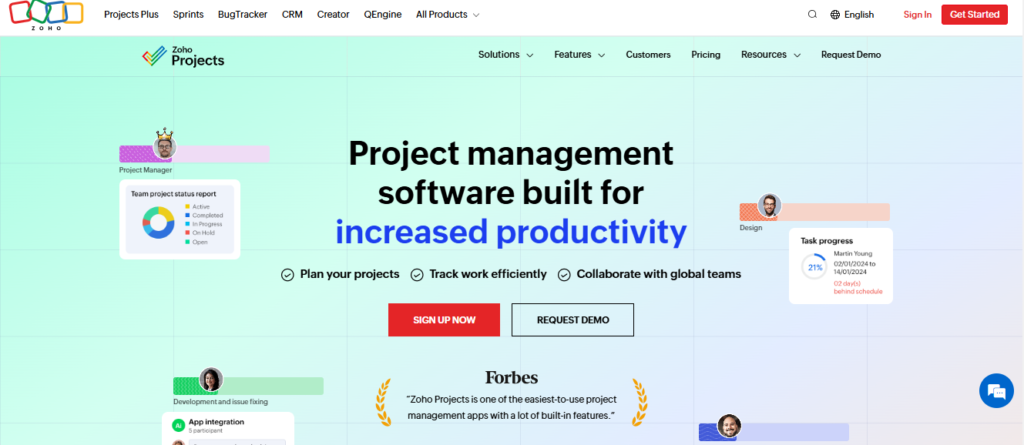
Zoho Projects is the hidden gem of the project management world. While it doesn’t get the same marketing attention as ClickUp or Asana, it quietly delivers a feature set that rivals platforms twice its price. For small businesses already using Zoho’s ecosystem (CRM, Books, Mail), Zoho Projects is a natural extension that integrates deeply across the suite.
The pricing is genuinely competitive. Zoho Projects’ paid plans start at a fraction of what you’d pay for Monday.com or ClickUp, yet you get Gantt charts, task automation, time tracking, and resource management on even the entry plan. Small businesses watching every rupee or dollar will find it hard to justify paying 3x more for marginally better UI.
Zoho’s automation engine, called Blueprint, deserves special mention. It functions like a visual workflow editor that defines exactly how tasks move through stages, who approves what, and what triggers automatic actions. It’s sophisticated for a tool at this price point.
✅Key Features
- Blueprint workflow automation with visual drag-and-drop process design, stage transitions, and approval routing built in
- Gantt charts with critical path analysis that identify which tasks will delay the overall project if they slip
- Built-in time tracking and timesheets with manager approval workflows for accurate billing and payroll compliance
- Issue tracker with severity levels, reproduction steps, and resolution tracking, useful for product and software teams
- Deep Zoho ecosystem integration connecting seamlessly with Zoho CRM, Zoho Books (one of the best small business accounting software options in the Zoho suite), and Zoho Desk
- Project templates and baselines for comparing actual progress to original planned timelines across all projects
✅Pros
- Outstanding value per feature compared to all competitors on this list
- Strong Gantt and critical path features even on base paid plan
- Tight integration with Zoho’s full business software suite
- Free plan available for up to 3 users and 2 projects
- Regular feature updates with responsive customer support
❌Cons
- UI feels less polished than ClickUp, Monday, or Notion
- Integration library outside the Zoho ecosystem is more limited
- Best value when using other Zoho products; less compelling as a standalone
- Mobile app experience lags behind the desktop version in feature parity
🎯Best For: Budget-conscious small businesses, teams already using Zoho CRM or Zoho Books, and SMBs in price-sensitive markets that need enterprise-level features without the enterprise price tag.
Comparison Table – Project Management Software for Small Business
All 7 best project management tools for small business, compared on the criteria that actually matter to small teams.
| Tool | Best For | Key Strength | Free Plan | Ease of Use | Integrations |
|---|---|---|---|---|---|
| ClickUp | All-in-one teams | Feature breadth + AI | ✅ Yes | Moderate | 1,000+ |
| Monday.com | Visual/creative teams | UI/UX + templates | ⚠️ 2 seats only | Very Easy | 72+ |
| Asana | Process-driven teams | Automations + goals | ✅ 10 members | Easy | 200+ |
| Trello | Simple Kanban users | Simplicity + free tier | ✅ Unlimited members | Very Easy | 200+ Power-Ups |
| Notion | Knowledge-heavy teams | Docs + DB + projects | ✅ Yes | Moderate | API + Zapier |
| Teamwork | Client-services agencies | Client portal + billing | ⚠️ 5 users, 2 projects | Moderate | 50+ |
| Zoho Projects | Budget-conscious SMBs | Value + Gantt + Zoho suite | ✅ 3 users | Moderate | Zoho + Zapier |
Final Verdict
If you want the best overall pick, ClickUp is the clear winner for most small businesses. The free plan is genuinely useful, the features are comprehensive, and the AI tools have meaningfully improved since 2024.
If your team is visual and non-technical, Monday.com will get you up and running the fastest. Its template library and intuitive board system are hard to beat for adoption rates.
If you run an agency or deliver client work, Teamwork is built for exactly your use case and will save you money on standalone billing tools.
If budget is your primary constraint, Zoho Projects delivers the most features per dollar, especially if you pair it with Zoho Books for accounting and Zoho CRM for sales.
The Right Tool Is the One Your Team Will Actually Use
The best project management software for small business in 2026 isn’t necessarily the one with the most features. It’s the one that your team opens every morning and actually trusts to run their day.
Start with your biggest pain point. If projects keep slipping through the cracks, go with ClickUp or Asana for their strong accountability features. If your team dreads logging into tools, Monday.com’s visual simplicity wins. If you bill clients by the hour, Teamwork pays for itself.
Most of these platforms offer free trials. Pick your top two, run them for two weeks each, and let your team vote with their behaviour. The tool they keep using is your answer. Don’t forget that pairing the right project management tool with the best small business accounting software gives you a complete operational stack, not just a task tracker.
To explore more in-depth comparisons like this, visit TheListify, where we regularly publish expert-curated lists of the best tools and software for businesses across various industries. Whether you’re searching for Best CRM Tools, Best Accounting Software, Best Recruiting Software, Best Project Management Software, Best marketing tools, or productivity solutions, our detailed guides help you make informed decisions faster.
Frequently Asked Questions
1. What is the best project management software for small business in 2026?
The best project management software for small business in 2026 depends on your workflow and team size. ClickUp is ideal for all-in-one productivity, Asana works well for collaboration, while Monday.com is great for visual workflow automation.
2. Which project management tool is best for small teams?
Asana and Trello are among the best project management tools for small teams because they are easy to use, affordable, and require minimal setup for daily task management.
3. Are free project management tools good for small businesses?
Yes, many free project management tools offer excellent features for startups and small businesses. Platforms like Trello, ClickUp, and Notion provide free plans with task tracking, collaboration, and workflow management capabilities.
4. What features should small businesses look for in project management software?
Small businesses should look for features like task management, team collaboration, workflow automation, reporting dashboards, integrations, mobile access, and time tracking to improve productivity and organization.
5. Can project management software integrate with accounting tools?
Yes, most modern project management platforms integrate with CRM, communication, and the best small business accounting software to help businesses streamline operations and improve workflow efficiency.